
C Dance AI Blog
Blog
Read practical Seedance 2.0 tutorials, prompt engineering guides, and AI video model comparisons.
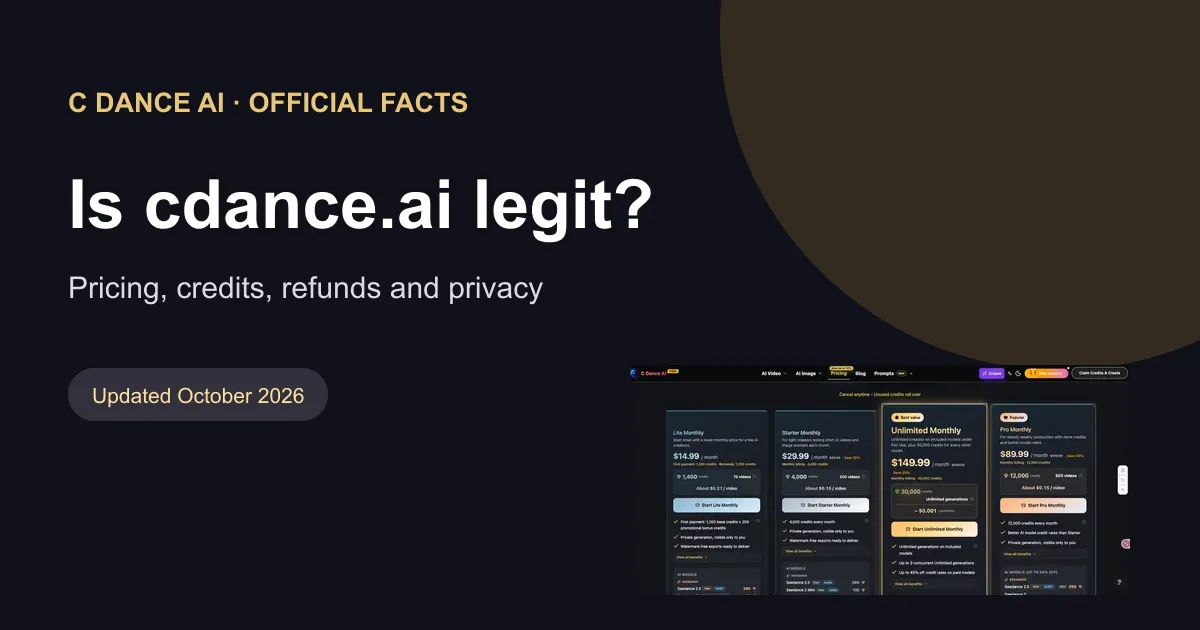
Is cdance.ai Legit? Official Facts on Pricing, Credits, and Refunds
Official facts about cdance.ai pricing, free credits, refunds and privacy, including how to identify the C Dance AI website.

Epic Split AI Video: Prompts, Planning, and Fixes
Learn what an Epic Split AI video means and plan a cinematic split effect with five prompts, reference-image workflow, timing, continuity checks, and safe fictional visuals.
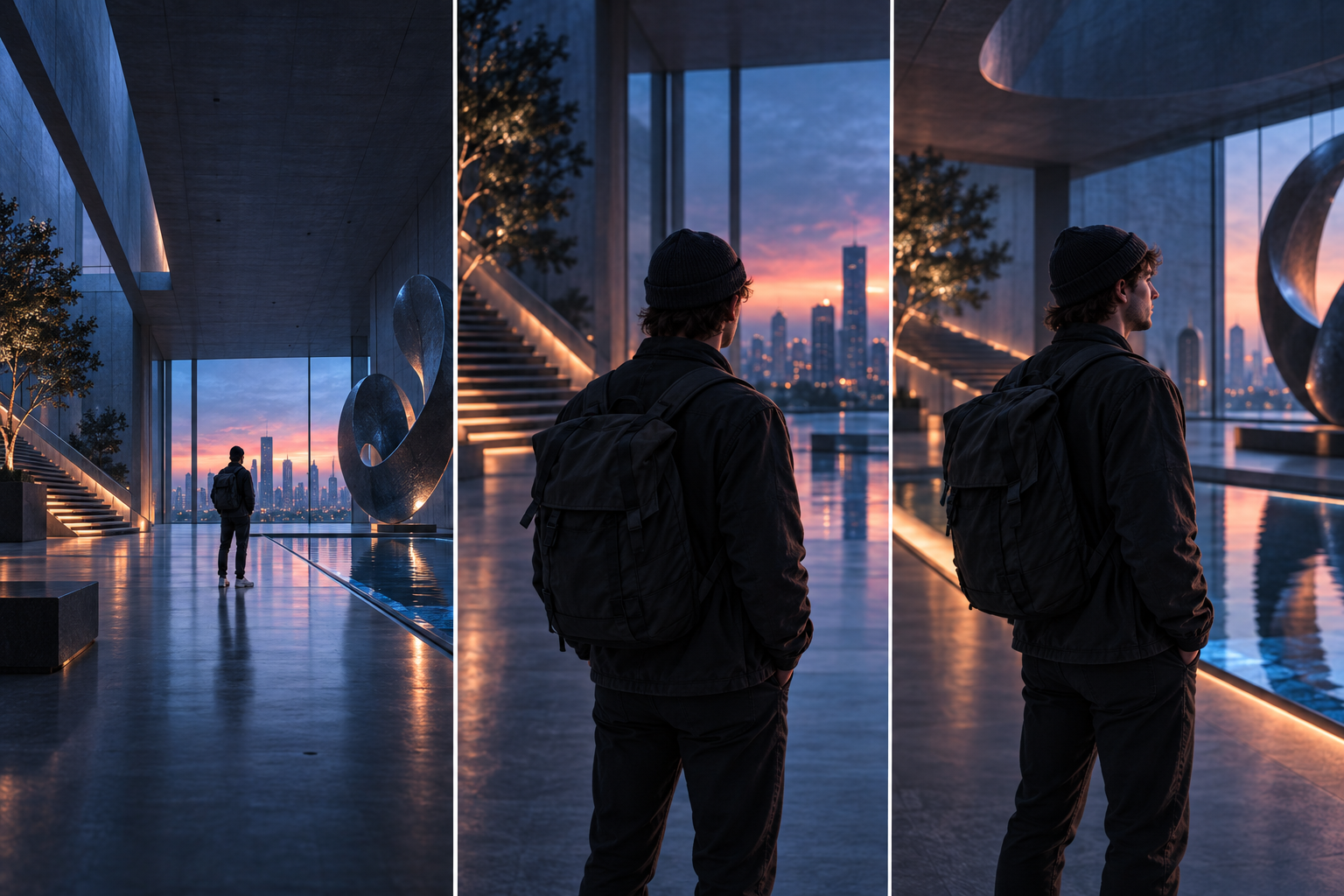
AI Video Camera Movement Prompts: 12 Shot Examples
Write clearer AI video camera movement prompts with practical shot formulas, 12 camera moves, controlled tests, failure diagnoses, and copy-ready examples.
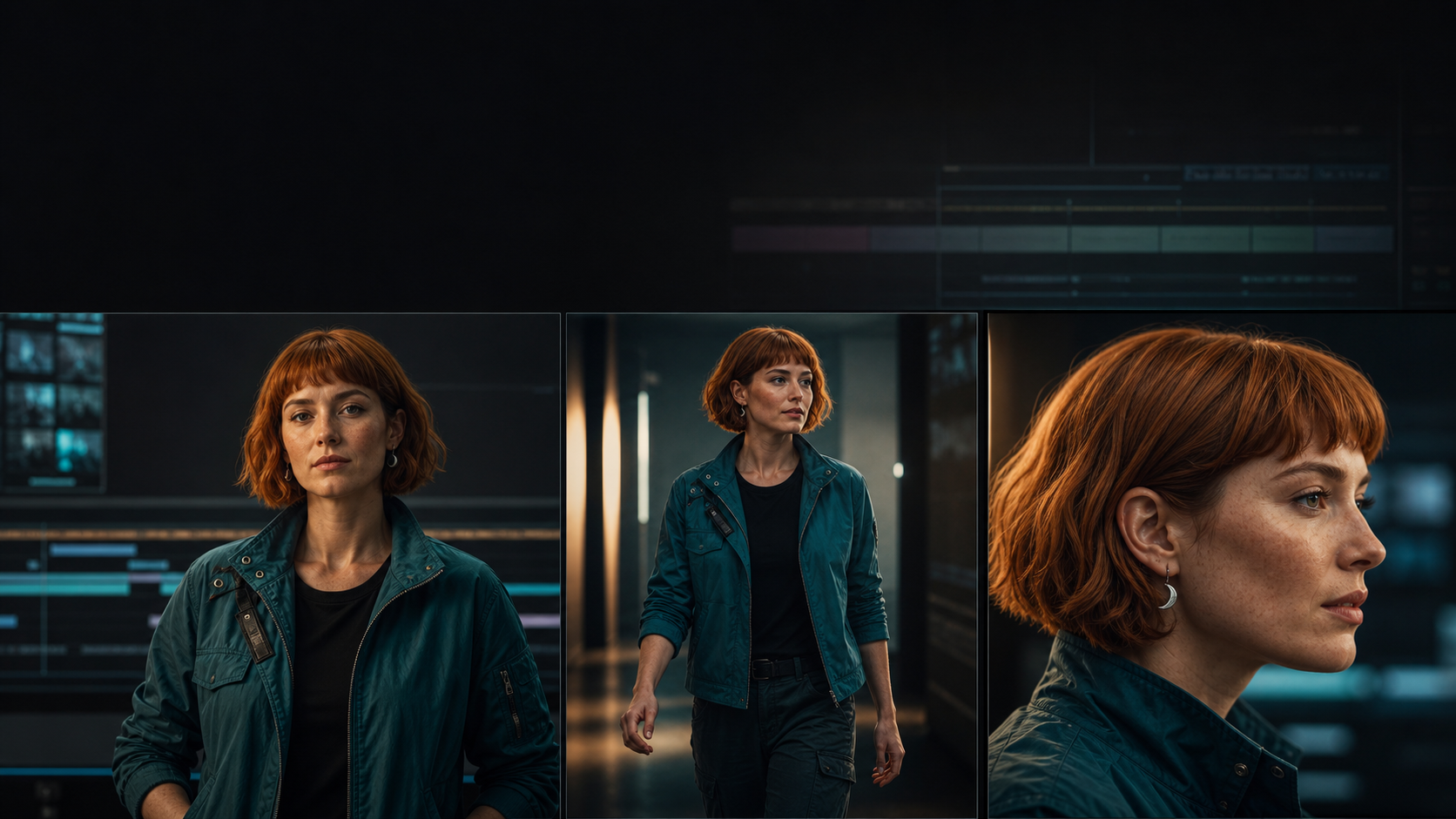
AI Video Character Consistency: A 7-Step Workflow
Keep the same character across AI video shots with a practical identity pack, anchor-frame workflow, drift scorecard, prompt templates, and repair steps.
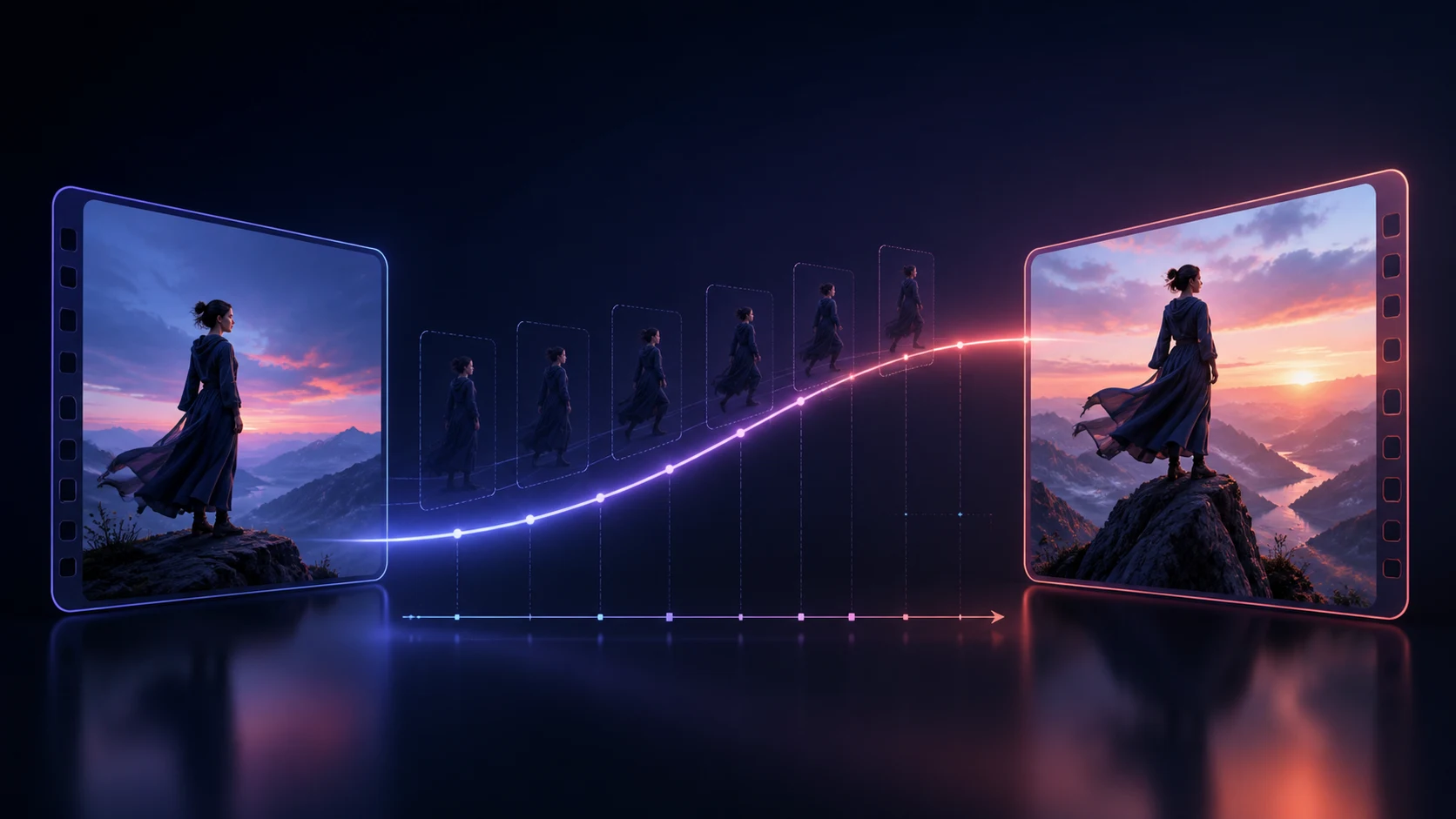
First and Last Frame AI Video Prompts: A Workflow
Write better first-and-last-frame AI video prompts with endpoint planning, continuity locks, motion paths, failure diagnosis, and copy-ready transition templates.
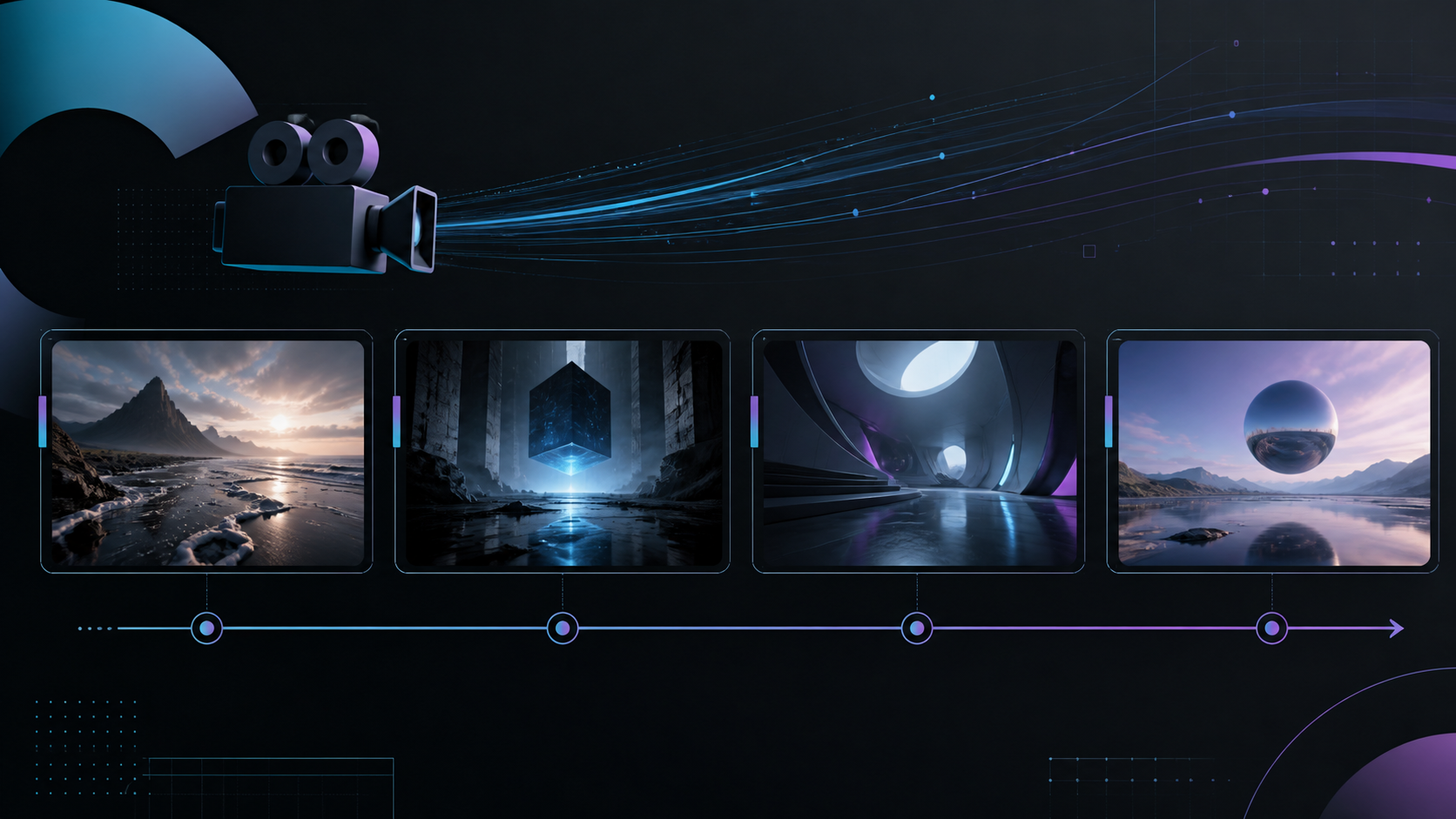
Seedance 2.0 Multi-Shot Storyboard Guide
Learn how to plan Seedance 2.0 multi-shot videos with storyboard prompts, timed beats, reference roles, continuity checks, and practical fixes for broken sequences.
What Is Gemini Omni? Gemini Omni Flash Explained
Gemini Omni explained: what Gemini Omni Flash can do, how to try it, prompt tips, API timing, and how it compares with Veo, Seedance, and Sora.
What Is Seedance 2.0? Features, Use Cases, and How to Start
Learn what Seedance 2.0 is, which AI video workflows it supports, its key features, best use cases, and the fastest way to start creating with it.
Seedance 2.0 Video to Video Guide: How to Transform Existing Footage Better
Learn how to use Seedance 2.0 video-to-video workflows to restyle footage, preserve timing, and improve creative control without rebuilding every shot from scratch.
Seedance 2.0 Image to Video Guide: How to Animate Still Images Better
Learn when to use Seedance 2.0 image-to-video, how to preserve identity and composition, and which prompt patterns create smoother motion from a still reference.
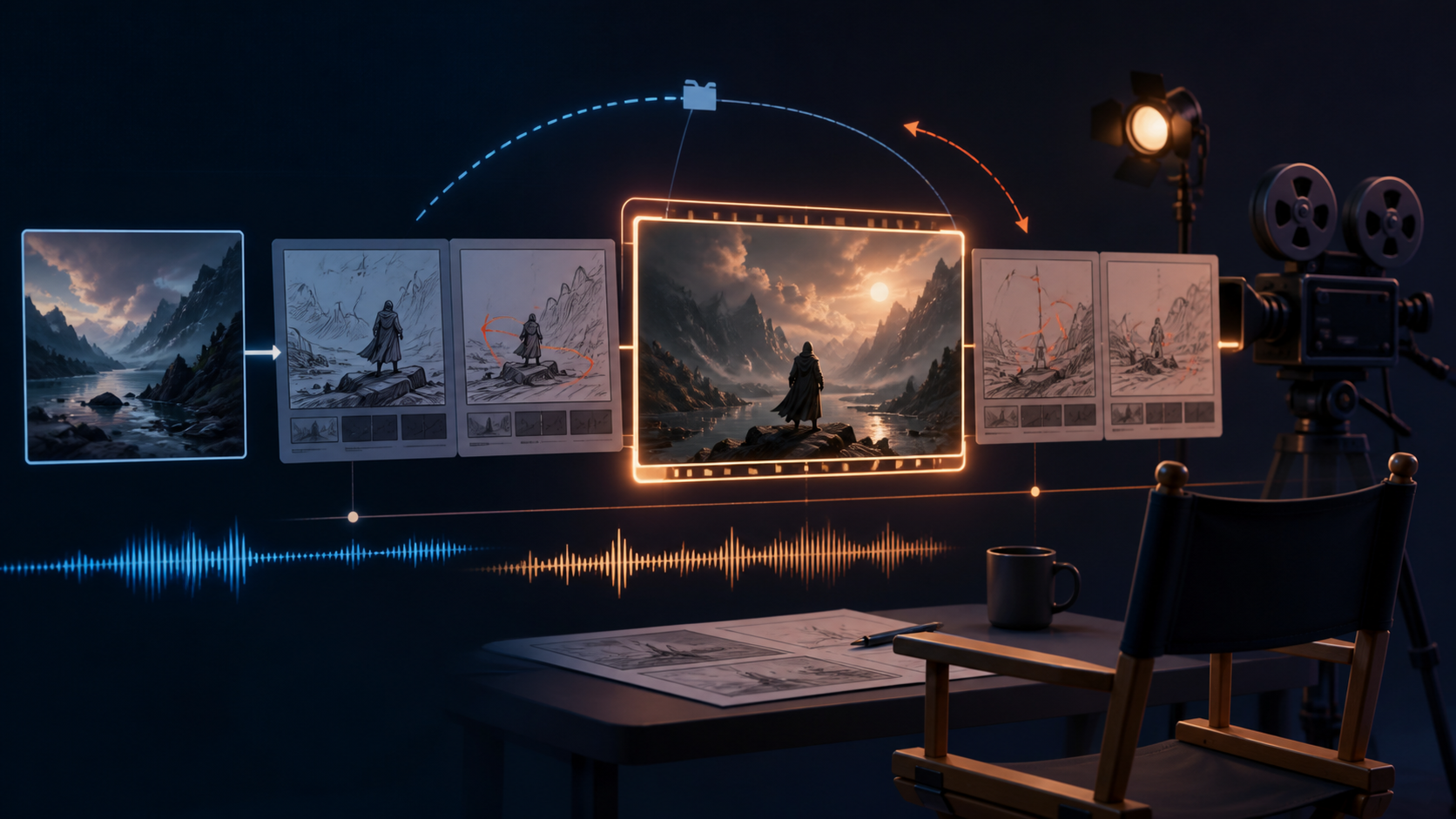
Seedance 2.5 Prompt Guide
Learn how to write Seedance 2.5 prompts for text-to-video and image-to-video, with shot timing, camera direction, audio cues, examples, and practical failure fixes.
How to Use Seedance 2.0 for Text to Video: A Practical Beginner Guide
Learn how to use Seedance 2.0 for text-to-video generation with a simple prompt framework, settings advice, and workflow tips for creators who want cleaner first-pass results.
How to Create Loop Videos with AI: A Practical Guide
Learn how to plan, generate, test, and repair AI loop videos for social posts, product shots, ambient backgrounds, and short creative clips.