
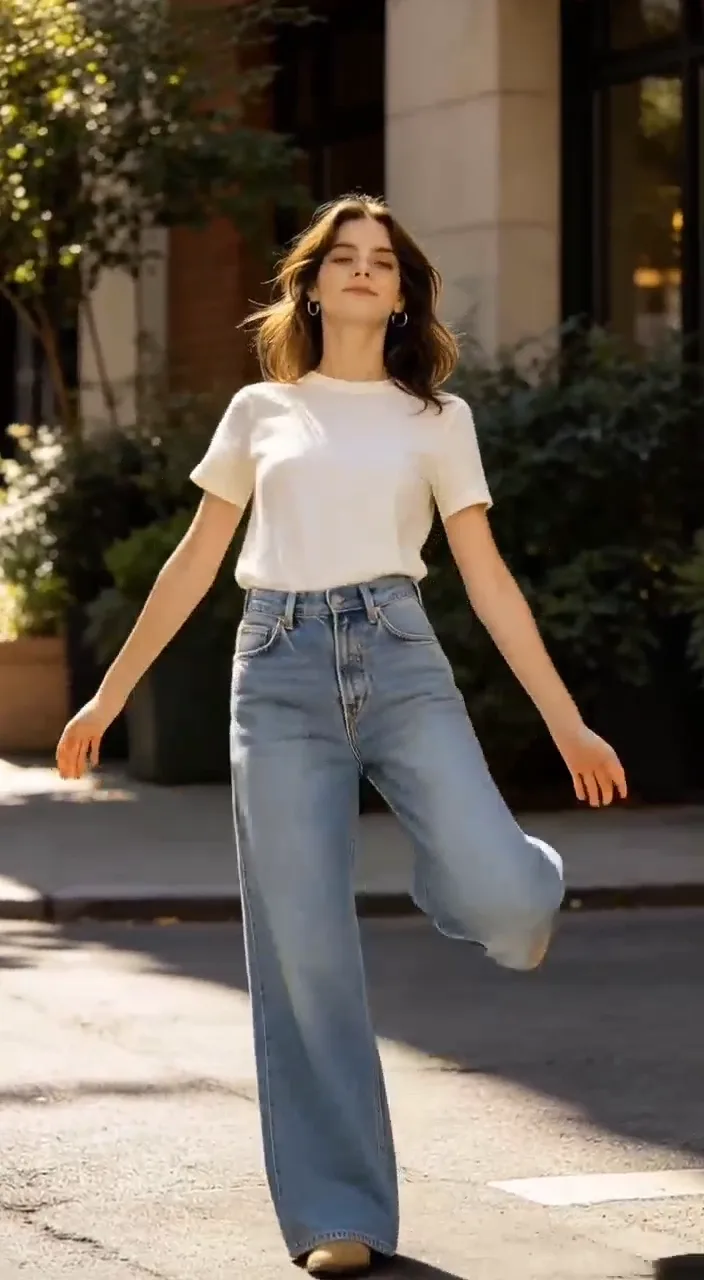
What Is C Dance 2.0?
C Dance 2.0 is the AI video workflow on C Dance AI, powered by Seedance 2.0. It helps you generate videos from prompts, images, or reference clips, then iterate quickly in one web-based workflow.
 Seedance
 Veo
Veo Kling
Kling Wan
Wan HappyHorse
 GPT ImageNano BananaSeedream
 Flux
FluxFrom reference to first generation
Understand the workflow
C Dance is the product workflow; Seedance is the video model layer.
Choose an input
Start from text, an image, or a reference video in the workspace.
Review the result
Compare motion, camera behavior, and identity before iterating.
See C Dance 2.0 in action
Start with a short brief, inspect a real output, and then adjust the prompt in the generator.
Speeder Chase Across a Cliff City
A single-take chase through a cliffside city, with ledge-road speed, debris, whip pans, and a final waterfall-valley reveal.
Live-Action Anime: Water vs. Thunder Duel
A live-action anime battle prompt balancing water-dragon and lightning effects with rapid cuts, moonlit atmosphere, and clean action beats.
Anime Fa Tian Xiang Di Transformation
A mythic CG transformation prompt with electric close-ups, third-eye energy, and a giant translucent spirit form reveal.
C Dance 2.0 Overview
Quick Answer
C Dance 2.0 is the AI video workflow on CDance AI for creating short videos from text prompts, images, or reference clips. It uses Seedance 2.0 as the core video generation model and gives creators a browser-based flow for generating, reviewing, and refining clips.
C Dance 2.0 vs Seedance 2.0
Seedance 2.0 is the model layer. C Dance 2.0 is the creator workflow built around it on CDance AI. In practical terms, Seedance handles video generation, while C Dance 2.0 helps you prepare prompts, choose inputs, generate clips, review results, and iterate from one web workspace.
What You Can Create
C Dance 2.0 is designed for short-form video creation and visual concept testing. The main workflows are:\n\n- Text-to-video: turn a scene idea into a generated clip.\n- Image-to-video: animate a still image while preserving the reference subject or visual style.\n- Video-to-video: use an existing clip as a reference for motion, style, or shot iteration.\n\nCommon uses include product ads, social media hooks, cinematic tests, creator intros, education explainers, and rapid storyboard exploration.
How It Works
- Open Create and choose the video workflow you want to test.\n2. Write a focused prompt, or add an image or reference clip when you need stronger style control.\n3. Generate a short clip, then refine motion, camera, subject, lighting, and scene details in the next prompt.\n\nFor stronger prompt patterns, use the Seedance 2.0 Prompt Guide.
Pricing and Access
C Dance 2.0 runs primarily as a web workflow. Availability, credits, and plan limits can change by campaign, generation mode, and account status. If you are comparing free access, one-time credits, or subscription options, check Pricing before starting larger projects.
What It Cannot Do Yet
C Dance 2.0 is not a one-click replacement for a full post-production pipeline. Results still depend on prompt quality, source material, and iteration. It is best used as a production accelerator for testing ideas, creating short clips, and exploring directions before final editing.
Who It Is For
C Dance 2.0 is useful for creators, marketers, indie teams, educators, and product storytellers who need to produce short-form visual concepts quickly without stitching multiple tools together. It is especially useful when you need to compare several scene directions before committing to a final edit.
Where to Go Next
- Want to try generation now? Open Create.\n- Want model details? Read Seedance 2.0 Model.\n- Need a lower-cost option? Compare Seedance 2.0 Mini.\n- Tracking the next release? Check the Seedance 2.5 release and access guide.\n- Want prompt patterns? Use the Seedance 2.0 Prompt Guide.\n- Want plan and credit details? Check Pricing.\n- Want short answers? Visit C Dance 2.0 FAQ.
Next Step
If your goal is to test quickly, start with a short prompt in Create. If you are planning a larger batch of videos, review Pricing first, then use the Seedance 2.0 Prompt Guide to prepare stronger prompts.
Common Questions About C Dance 2.0
Short answers for users comparing C Dance 2.0, Seedance 2.0, pricing, and video generation workflows.
Is C Dance 2.0 free to use?
Free access and credit offers can change over time. The safest place to check current access, credits, and plan limits is the Pricing page.
Can I create videos from images?
Yes. Image-to-video is one of the core workflows. You can use an image as a visual reference, then describe the motion, camera, and scene changes you want in the generated clip.
Can I use C Dance 2.0 for commercial videos?
Commercial use depends on your account, plan, and the rights for any uploaded assets or references. Always make sure your source images, clips, brands, and likenesses are licensed for your intended use.
What makes a good C Dance 2.0 prompt?
A good prompt usually names the subject, scene, camera movement, timing, visual style, lighting, and important constraints. Short focused prompts are often easier to refine than long vague prompts.
Where should I start?
Start with Create if you want to test immediately. If you want to understand credits first, open Pricing. If you want better prompt structure, read the Seedance 2.0 Prompt Guide.
Need detailed answers? Read the C Dance 2.0 FAQ. Ready to test? Open Create.