
C Dance AI Blog
Blog
Read practical Seedance 2.0 tutorials, prompt engineering guides, and AI video model comparisons.
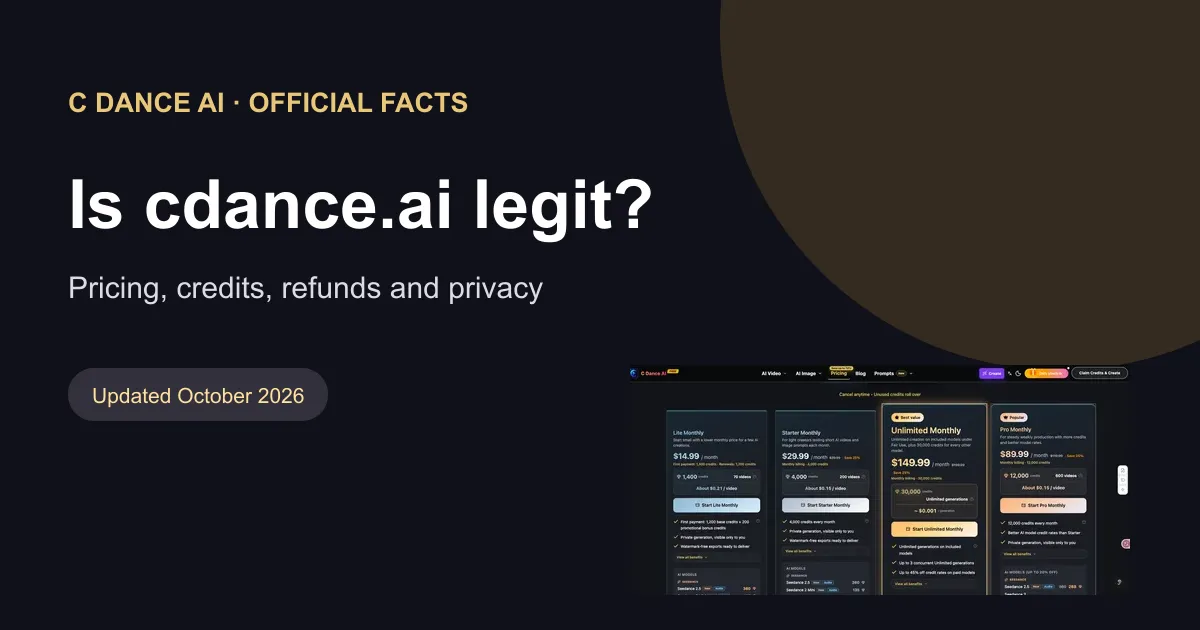
Is cdance.ai Legit? Official Facts on Pricing, Credits, and Refunds
Official facts about cdance.ai pricing, free credits, refunds and privacy, including how to identify the C Dance AI website.

Epic Split AI Video: Prompts, Planning, and Fixes
Learn what an Epic Split AI video means and plan a cinematic split effect with five prompts, reference-image workflow, timing, continuity checks, and safe fictional visuals.
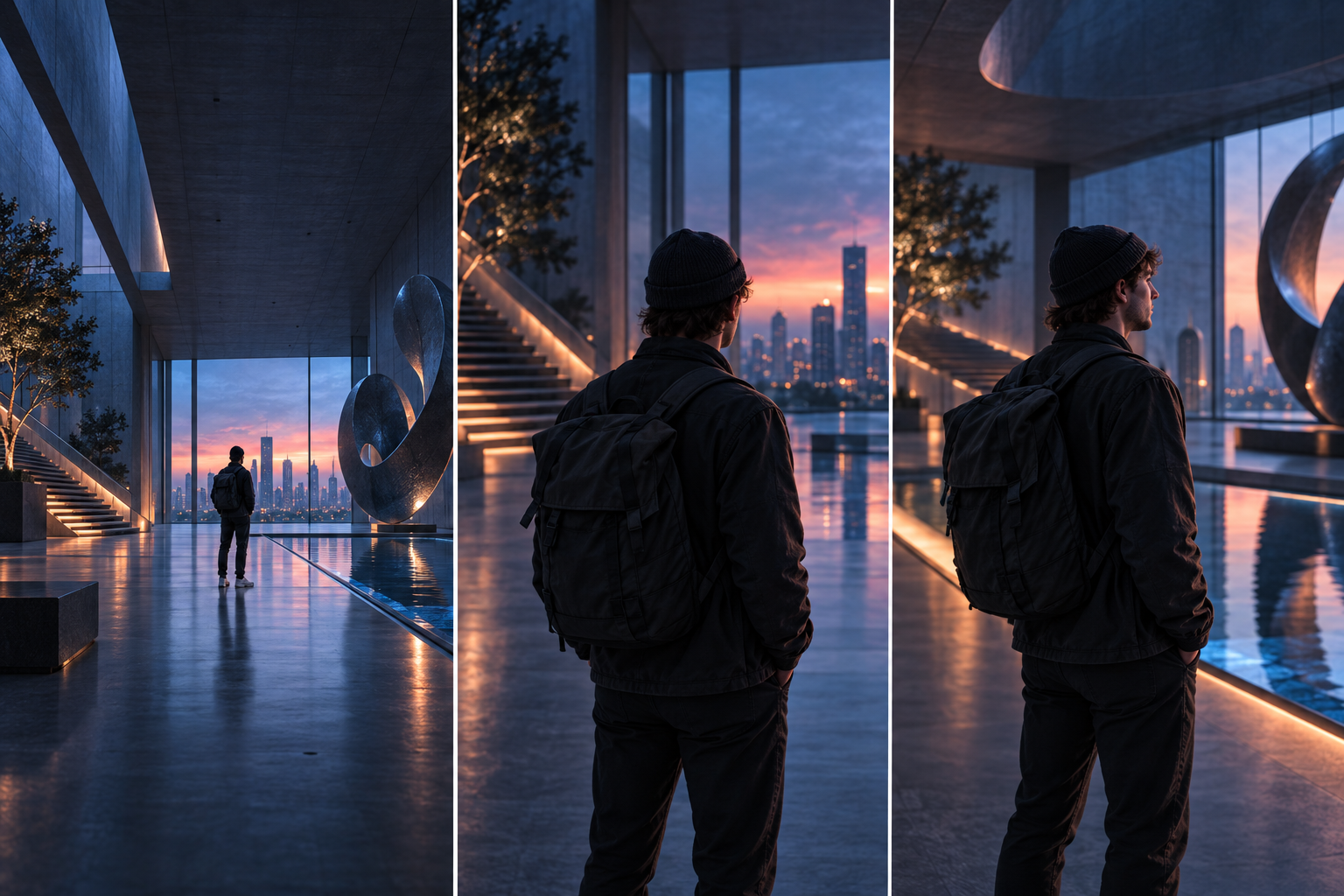
AI 비디오 카메라 움직임 안내: 샷별 가이드
실용적인 촬영 공식, 12가지 카메라 이동, 제어된 테스트, 오류 진단 및 복사 준비 예시를 통해 더욱 명확한 AI 비디오 카메라 움직임 프롬프트를 작성하세요.
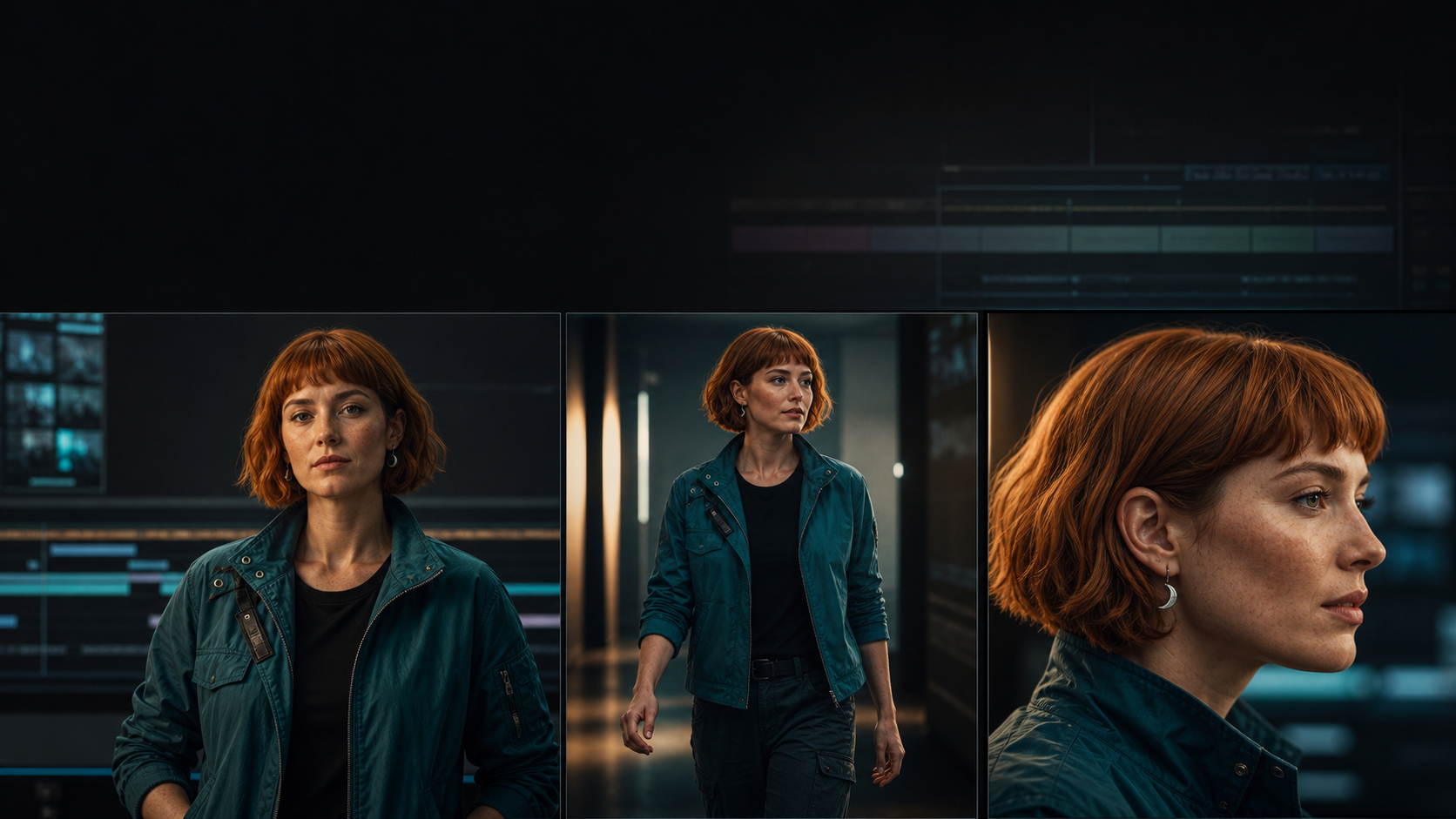
AI 비디오 캐릭터 일관성: 7단계 워크플로
실용적인 ID 팩, 앵커 프레임 워크플로우, 드리프트 스코어카드, 프롬프트 템플릿 및 복구 단계를 통해 AI 비디오 장면에서 동일한 캐릭터를 유지하세요.

나노 바나나 프롬프트 가이드(2026): 편집, 얼굴 사진, 제품 사진
템플릿, 설정, 오류 수정 기능을 사용하여 C Dance AI에서 제품 사진, 얼굴 사진, 포스터 및 참조 편집을 위한 Nano Banana 프롬프트를 작성하는 방법을 알아보세요.
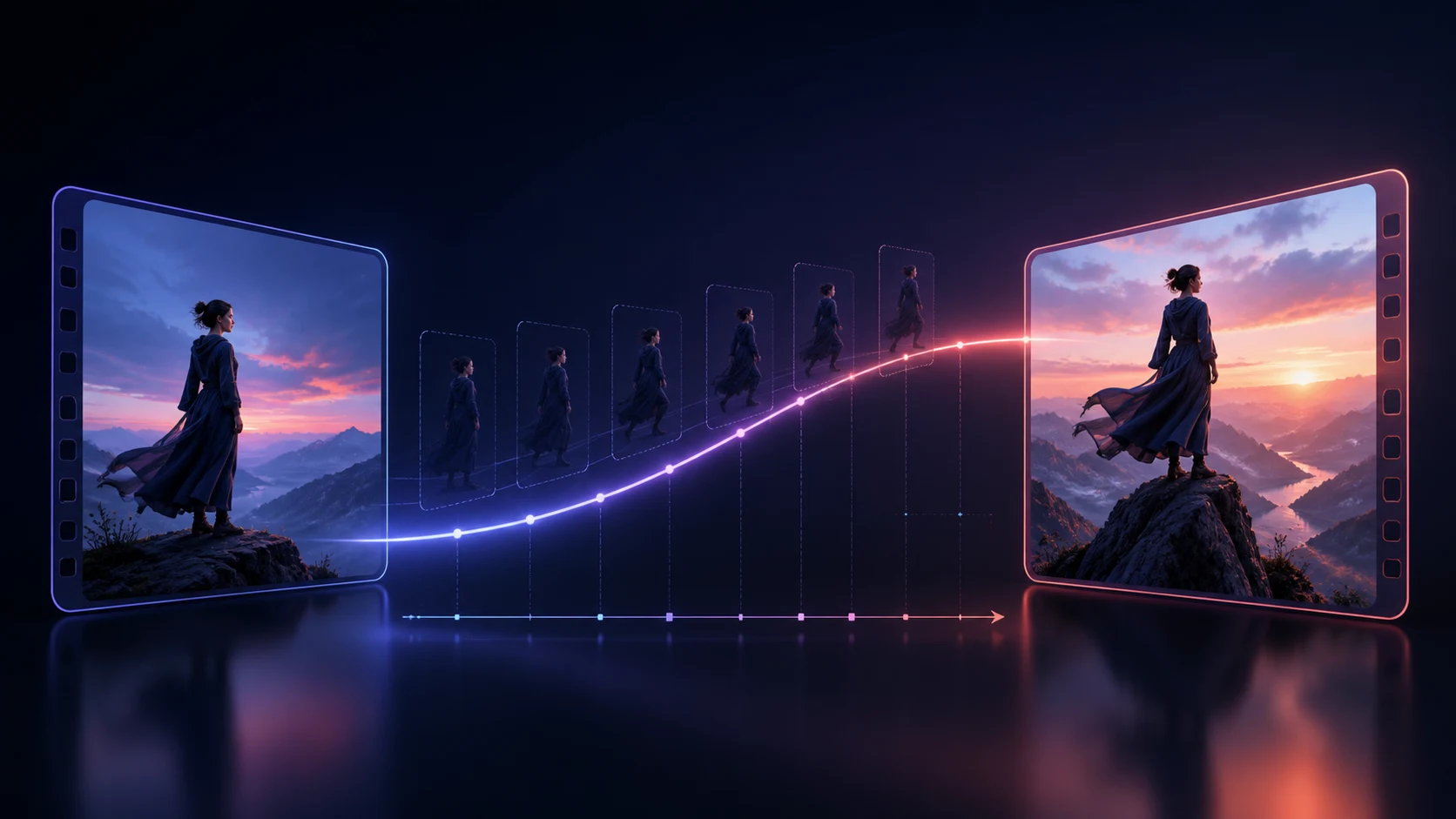
AI 비디오의 첫 번째 및 마지막 프레임 프롬프트: 전환 워크플로
엔드포인트 계획, 연속성 잠금, 모션 경로, 오류 진단 및 복사 가능 전환 템플릿을 사용하여 더 나은 첫 번째 프레임과 마지막 프레임 AI 비디오 프롬프트를 작성합니다.

Kling 3 프롬프트 가이드: 스토리 모드, 요소, 오디오
C Dance AI 내 단일 장면 클립, 스토리 모드, 요소, 이미지-비디오, 기본 오디오에 대한 더 나은 Kling 3 프롬프트를 작성하는 방법을 알아보세요.
Seedance 2.0 멀티샷 가이드: 하나로 묶이는 스토리보드 프롬프트
스토리보드 프롬프트, 시간 제한 비트, 참조 역할, 연속성 확인 및 깨진 시퀀스에 대한 실질적인 수정을 통해 Seedance 2.0 멀티샷 비디오를 계획하는 방법을 알아보세요.
MiniMax H3 프롬프트 가이드(2026): 구조, 예시 및 문제 해결
텍스트 투 비디오, 이미지 투 비디오, 네이티브 오디오, 멀티샷 장면 및 레퍼런스 워크플로를 위한 MiniMax H3 프롬프트 구조를 예시와 설정, 문제 해결 방법과 함께 알아보세요.
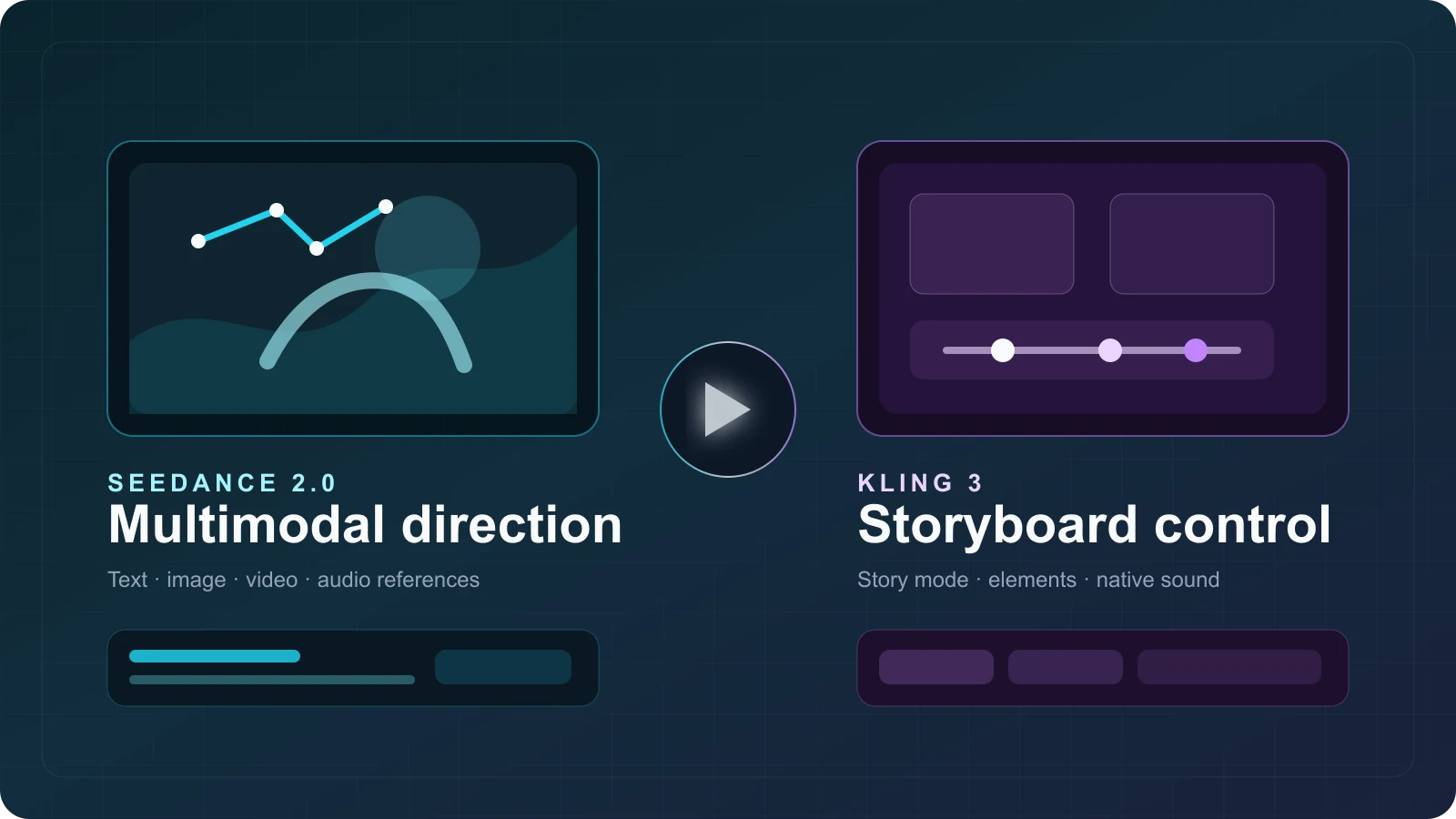
Seedance 2.0 vs Kling 3: Features, Credit Costs & Use Cases
Compare Seedance 2.0 and Kling 3 by features, C Dance AI credit costs, workflow fit, real output examples, limitations, and community feedback.
What Is Gemini Omni? Gemini Omni Flash Explained
Gemini Omni explained: what Gemini Omni Flash can do, how to try it, prompt tips, API timing, and how it compares with Veo, Seedance, and Sora.
What Is Seedance 2.0? Features, Use Cases, and How to Start
Learn what Seedance 2.0 is, which AI video workflows it supports, its key features, best use cases, and the fastest way to start creating with it.
Seedance 2.0 Video to Video Guide: How to Transform Existing Footage Better
Learn how to use Seedance 2.0 video-to-video workflows to restyle footage, preserve timing, and improve creative control without rebuilding every shot from scratch.
Common Seedance 2.0 Prompt Mistakes and How to Fix Them
Learn the most common Seedance 2.0 prompt mistakes, why they create unstable AI video results, and how to fix them with clearer structure and smarter revision loops.
Seedance 2.0 for Product Ads: 20 Prompt Ideas That Convert
Use these 20 Seedance 2.0 product ad prompt ideas to create cleaner hooks, premium product shots, and conversion-friendly AI video concepts for commercial campaigns.
Seedance 2.0 Image to Video Guide: How to Animate Still Images Better
Learn when to use Seedance 2.0 image-to-video, how to preserve identity and composition, and which prompt patterns create smoother motion from a still reference.
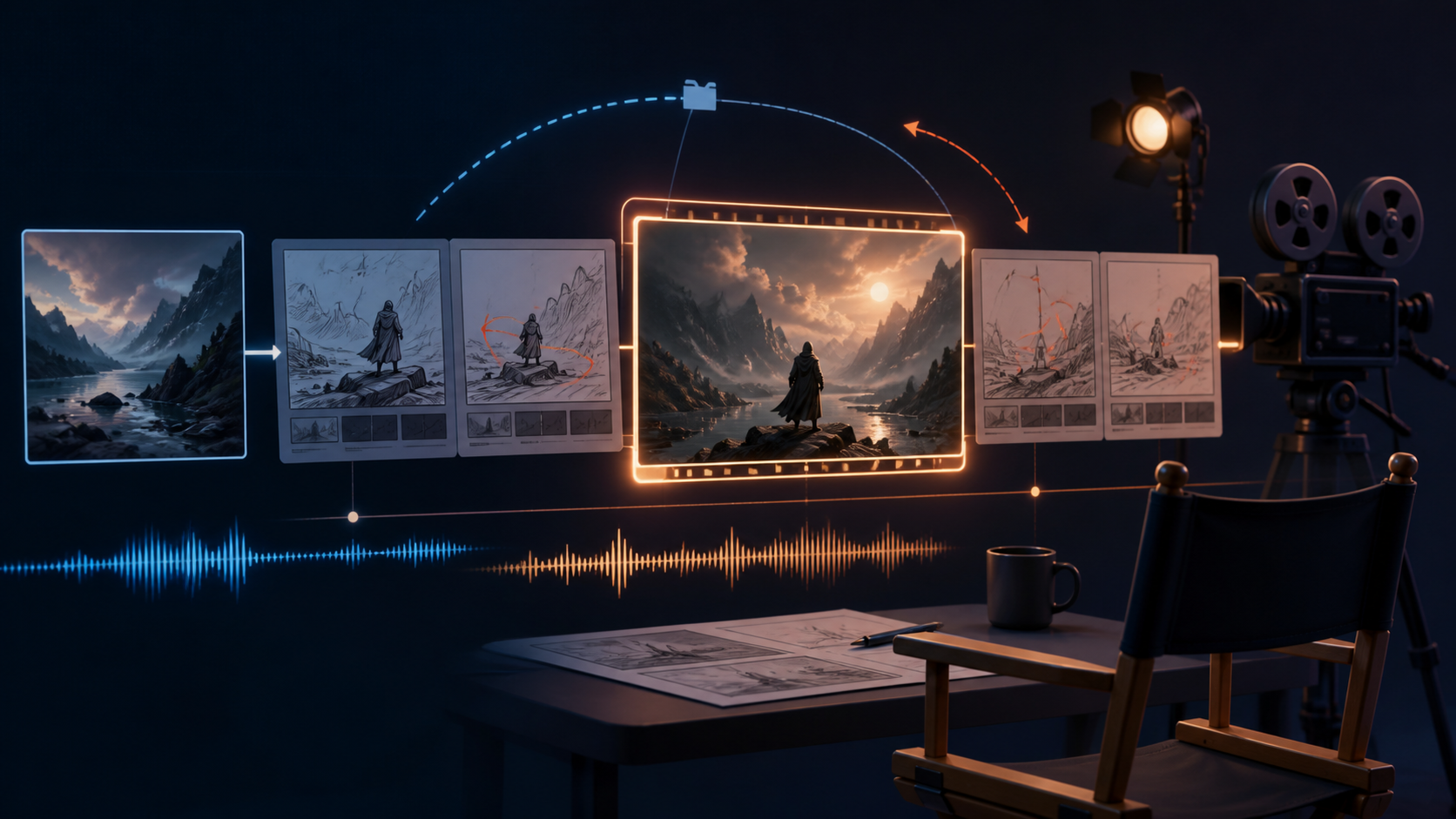
Seedance 2.5 프롬프트 가이드: 텍스트, 이미지, 오디오 워크플로
Seedance 2.5 텍스트·이미지·오디오 프롬프트를 작성하는 방법과 샷 타이밍, 카메라 방향, 예시, 오류 해결법을 알아보세요.
25 Best Seedance 2.0 Prompt Examples for Cinematic AI Videos
Explore 25 practical Seedance 2.0 prompt examples for product ads, fashion clips, anime scenes, cinematic landscapes, and social content that needs stronger motion and cleaner structure.
How to Use Seedance 2.0 for Text to Video: A Practical Beginner Guide
Learn how to use Seedance 2.0 for text-to-video generation with a simple prompt framework, settings advice, and workflow tips for creators who want cleaner first-pass results.
How to Create Loop Videos with AI: A Practical Guide
Learn how to plan, generate, test, and repair AI loop videos for social posts, product shots, ambient backgrounds, and short creative clips.