
C Dance AI Blog
Blog
Read practical Seedance 2.0 tutorials, prompt engineering guides, and AI video model comparisons.
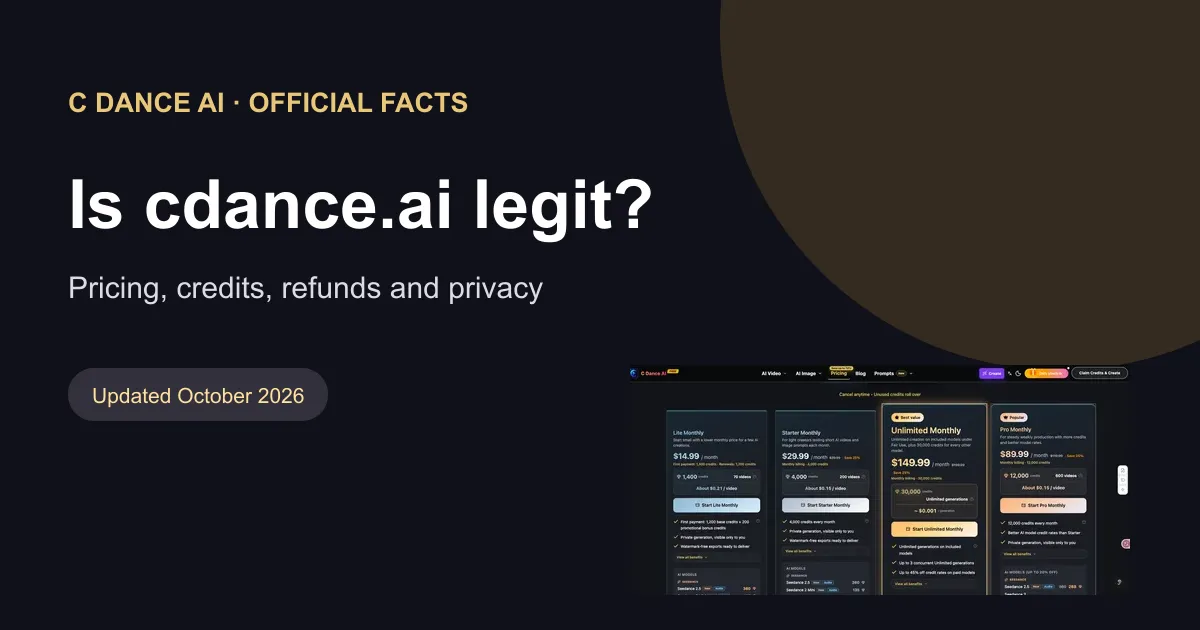
Is cdance.ai Legit? Official Facts on Pricing, Credits, and Refunds
Official facts about cdance.ai pricing, free credits, refunds and privacy, including how to identify the C Dance AI website.

Epic Split AI Video: Prompts, Planning, and Fixes
Learn what an Epic Split AI video means and plan a cinematic split effect with five prompts, reference-image workflow, timing, continuity checks, and safe fictional visuals.
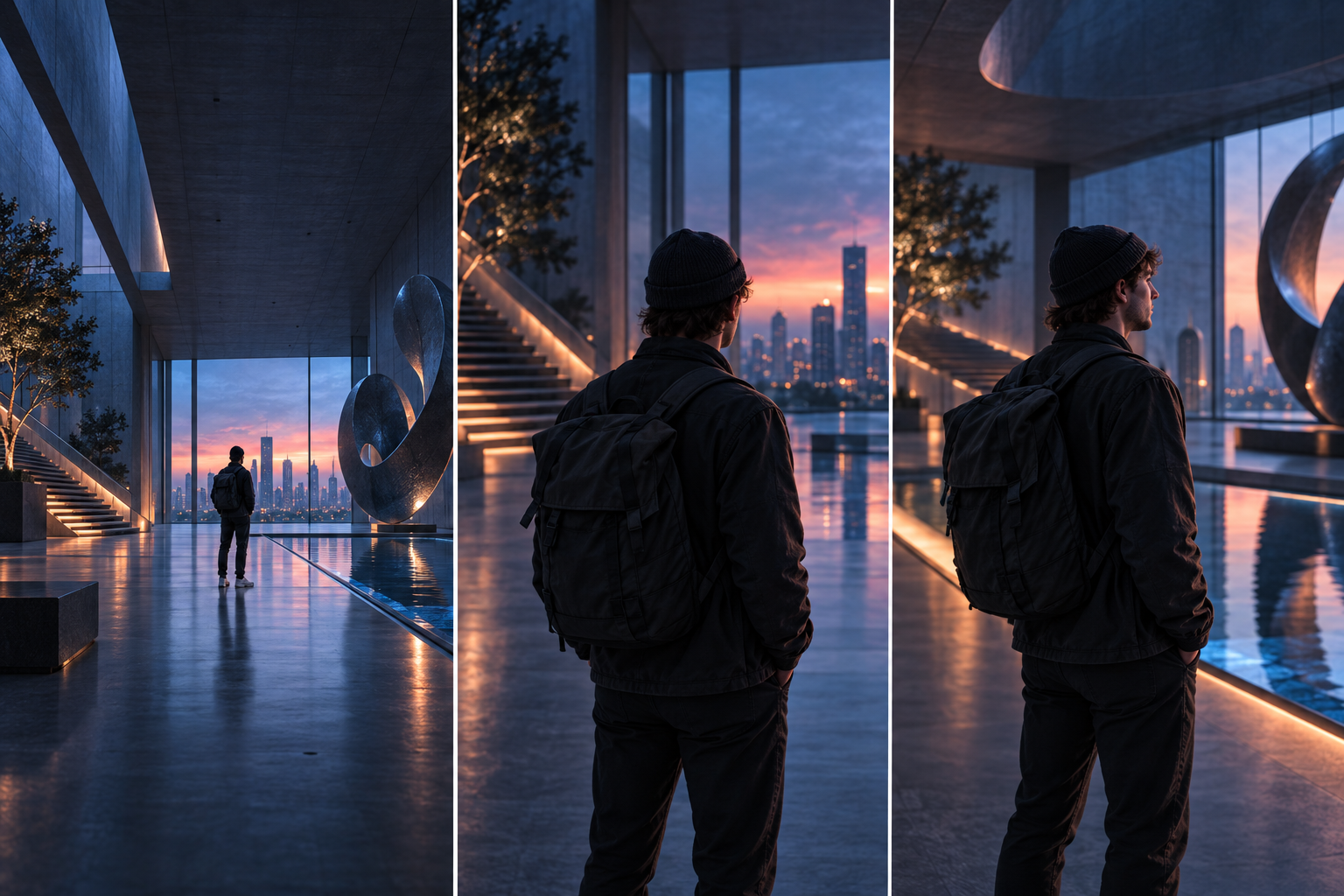
AI ビデオカメラの動きのプロンプト: ショットごとのガイド
実践的なショットの公式、12 個のカメラの動き、管理されたテスト、故障診断、コピー可能な例を使用して、より明確な AI ビデオ カメラの動きのプロンプトを作成します。
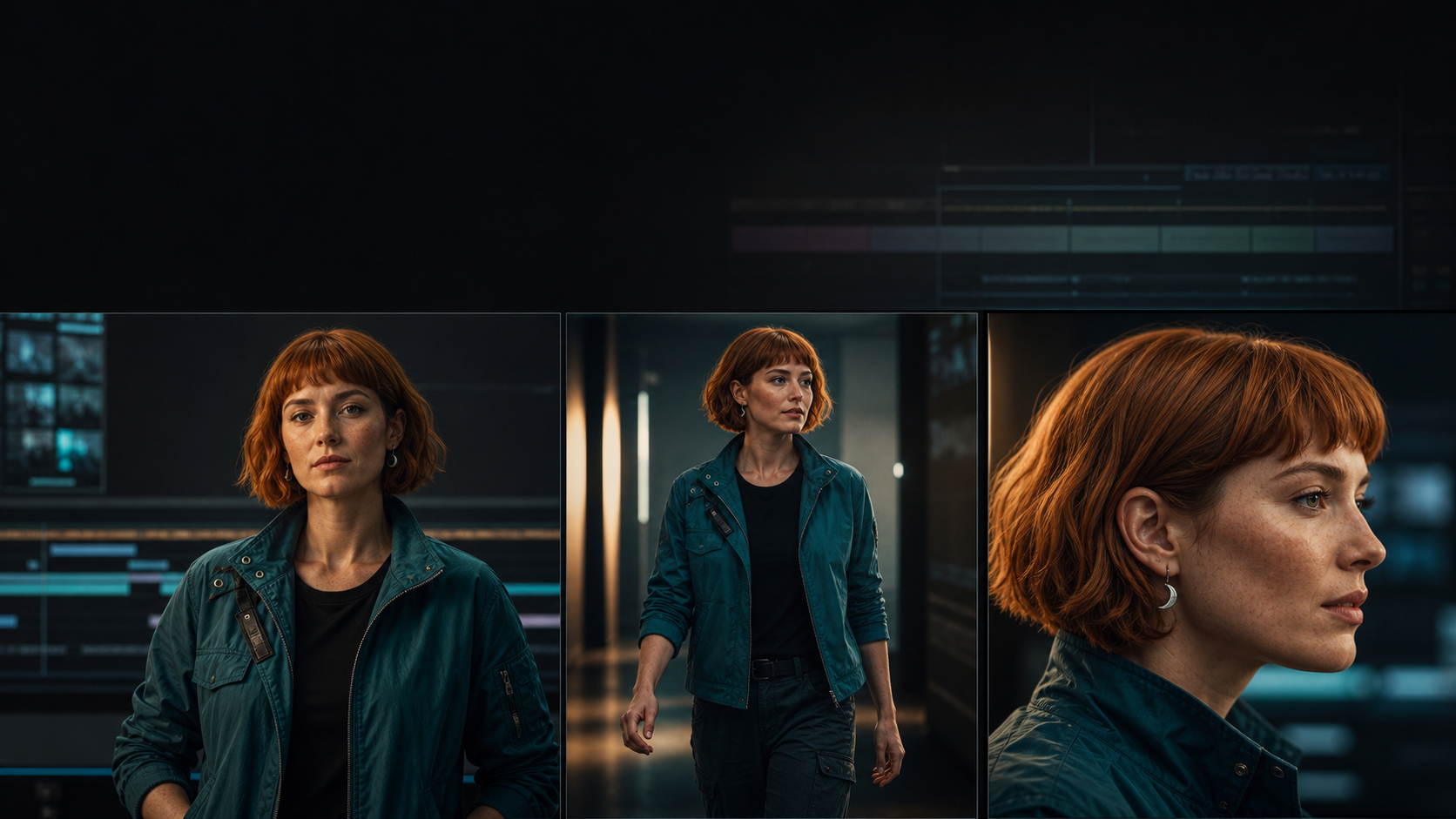
AI ビデオ キャラクターの一貫性: 7 ステップのワークフロー
実用的な ID パック、アンカー フレーム ワークフロー、ドリフト スコアカード、プロンプト テンプレート、修復手順を使用して、AI ビデオ ショット全体で同じキャラクターを維持します。

Nano Banana プロンプト ガイド (2026): 編集、顔写真、製品写真
C Dance AI で製品写真、顔写真、ポスター、リファレンス編集用の Nano Banana プロンプトを作成する方法を、テンプレート、設定、障害修正とともに学習します。
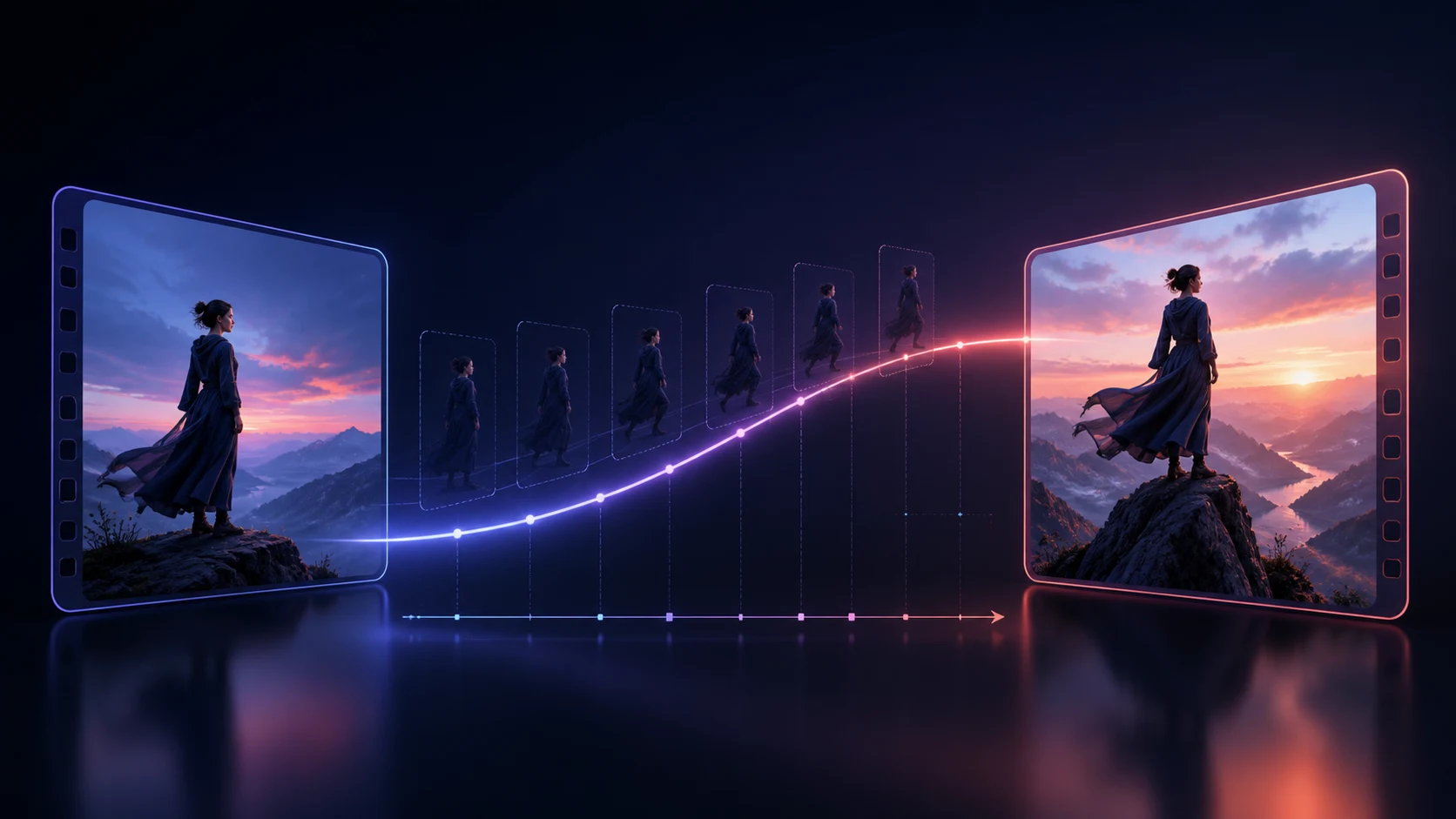
AI ビデオの最初と最後のフレーム プロンプト: 移行ワークフロー
エンドポイント計画、連続性ロック、モーション パス、障害診断、コピー準備完了の移行テンプレートを使用して、最初と最後のフレームの AI ビデオ プロンプトをより適切に作成します。

Kling 3 プロンプトガイド: ストーリーモード、要素、音声
C Dance AI 内の単一シーン クリップ、ストーリー モード、要素、画像からビデオへの変換、およびネイティブ オーディオ用の、より優れた Kling 3 プロンプトを作成する方法を学びます。
Seedance 2.0 マルチショット ガイド: ストーリーボード プロンプトをまとめる
ストーリーボード プロンプト、時間指定されたビート、リファレンス ロール、連続性チェック、壊れたシーケンスの実際的な修正を使用して、Seedance 2.0 マルチショット ビデオを計画する方法を学びます。
MiniMax H3 プロンプトガイド(2026):構成・例・トラブル対策
テキストから動画、画像から動画、ネイティブ音声、マルチショット、リファレンス動画に適した MiniMax H3 のプロンプト構成を、実例・設定・トラブル対策とともに解説します。
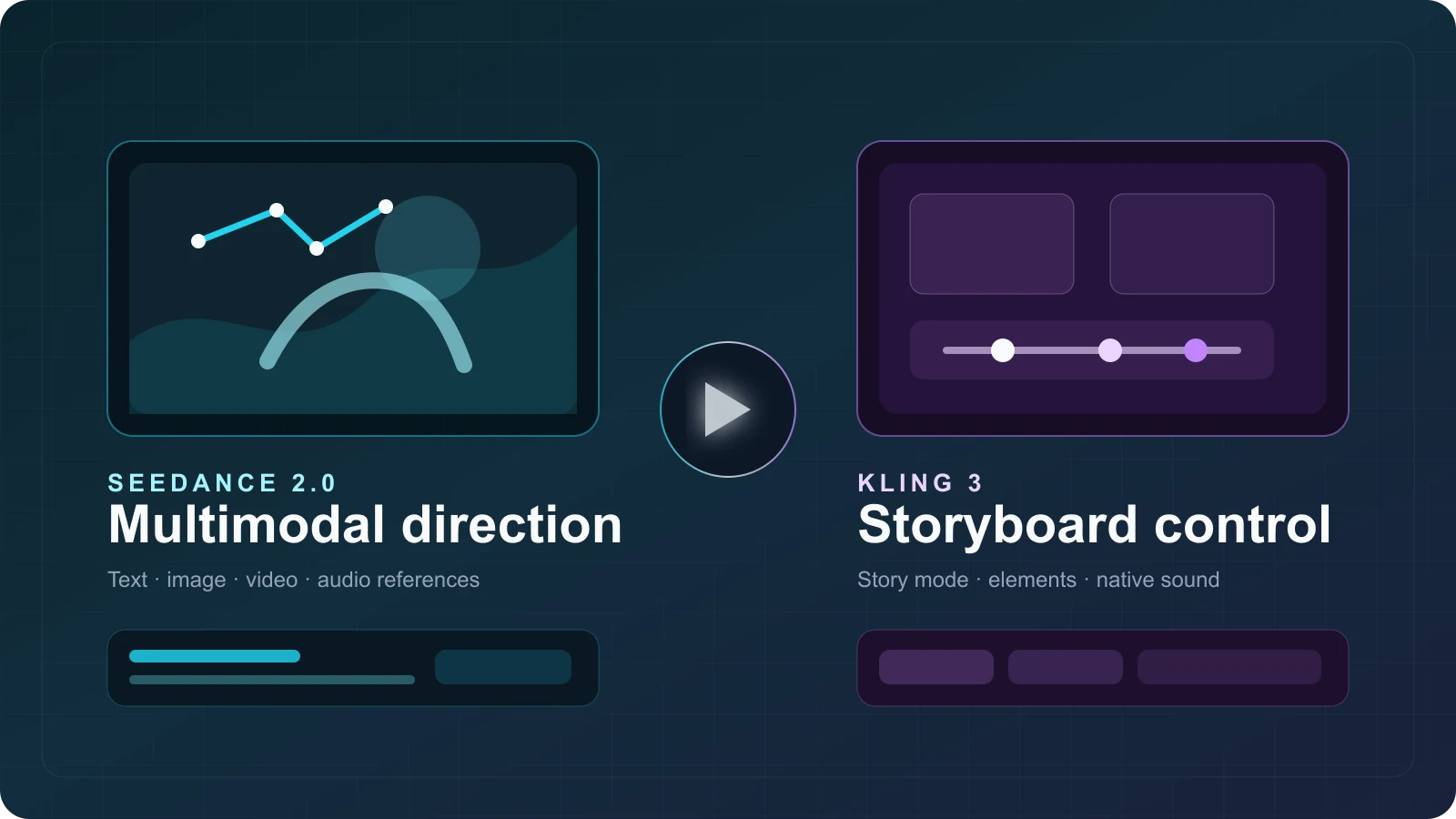
Seedance 2.0 vs Kling 3: Features, Credit Costs & Use Cases
Compare Seedance 2.0 and Kling 3 by features, C Dance AI credit costs, workflow fit, real output examples, limitations, and community feedback.
What Is Gemini Omni? Gemini Omni Flash Explained
Gemini Omni explained: what Gemini Omni Flash can do, how to try it, prompt tips, API timing, and how it compares with Veo, Seedance, and Sora.
What Is Seedance 2.0? Features, Use Cases, and How to Start
Learn what Seedance 2.0 is, which AI video workflows it supports, its key features, best use cases, and the fastest way to start creating with it.
Seedance 2.0 Video to Video Guide: How to Transform Existing Footage Better
Learn how to use Seedance 2.0 video-to-video workflows to restyle footage, preserve timing, and improve creative control without rebuilding every shot from scratch.
Common Seedance 2.0 Prompt Mistakes and How to Fix Them
Learn the most common Seedance 2.0 prompt mistakes, why they create unstable AI video results, and how to fix them with clearer structure and smarter revision loops.
Seedance 2.0 for Product Ads: 20 Prompt Ideas That Convert
Use these 20 Seedance 2.0 product ad prompt ideas to create cleaner hooks, premium product shots, and conversion-friendly AI video concepts for commercial campaigns.
Seedance 2.0 Image to Video Guide: How to Animate Still Images Better
Learn when to use Seedance 2.0 image-to-video, how to preserve identity and composition, and which prompt patterns create smoother motion from a still reference.
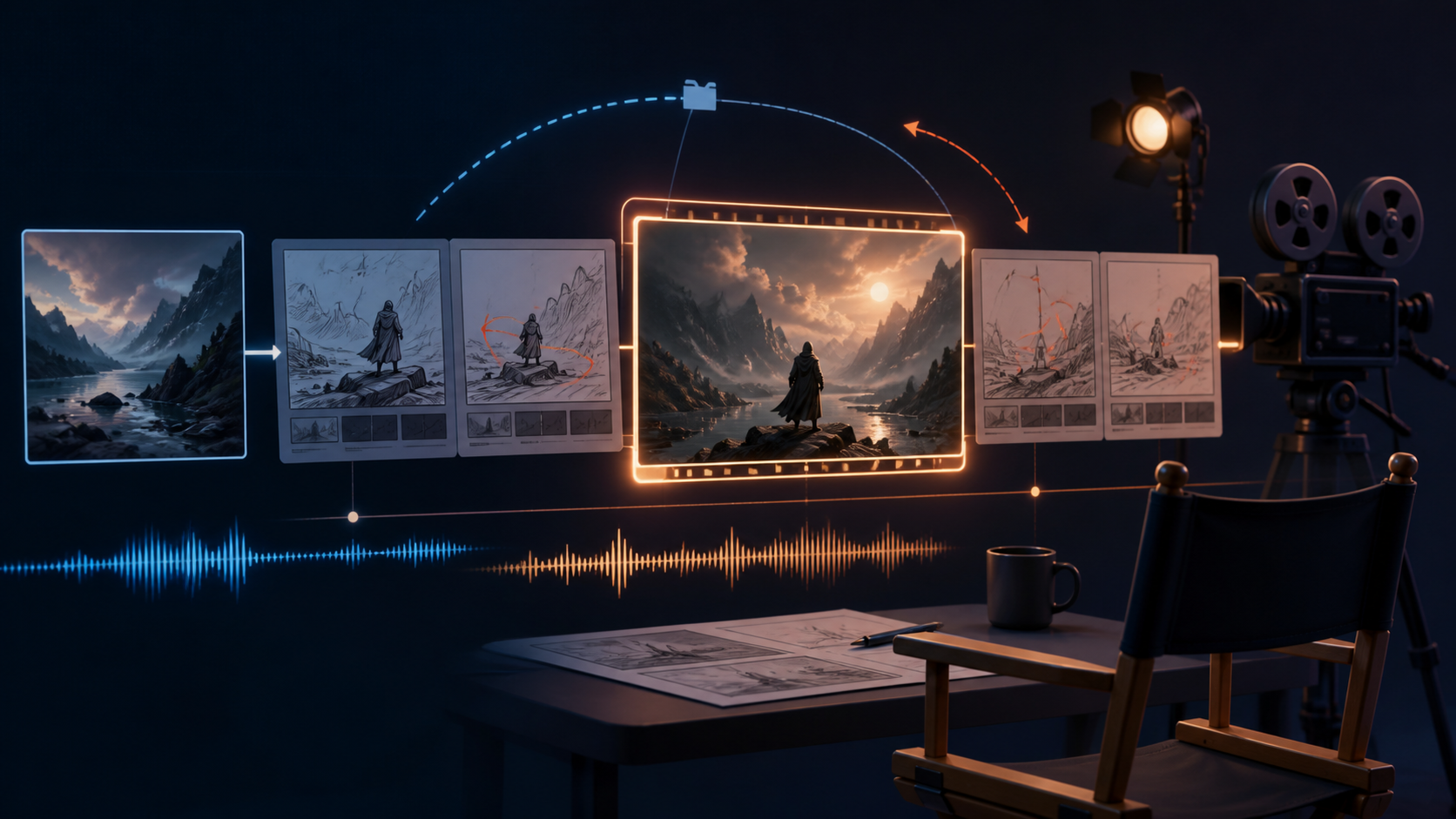
Seedance 2.5 プロンプトガイド:テキスト、画像、音声ワークフロー
Seedance 2.5 のテキスト・画像・音声プロンプトを、ショットのタイミング、カメラ指示、例、失敗修正とともに学びます。
25 Best Seedance 2.0 Prompt Examples for Cinematic AI Videos
Explore 25 practical Seedance 2.0 prompt examples for product ads, fashion clips, anime scenes, cinematic landscapes, and social content that needs stronger motion and cleaner structure.
How to Create Loop Videos with AI: A Practical Guide
Learn how to plan, generate, test, and repair AI loop videos for social posts, product shots, ambient backgrounds, and short creative clips.