Nano Banana Image Generator

Create professional headshots, ecommerce product images, room redesign previews, and clean before-and-after edits with Nano Banana 2 and Nano Banana Pro.

Image Generator

Image Generator

Nano Banana 2: faster, better value, supports Google Search. Nano Banana Pro: higher quality and detail for production.

Nano Banana 2 only (+2 credits)

Display this image on the homepage showcase

190 / 20000
Cost 40 creditsRemaining 0 credits
Image Preview

No Images Generated

Use Cases

Popular Nano Banana Examples

Explore headshots, product photos, restoration, interiors, storyboards, and stylized edits. Each example includes the prompt and the before-and-after result.

Current examplePortraitBusinessProfessional

Professional Business Photo

Copy the prompt directly or adapt it to your own image.

Before
Reference image
After
Nano Banana result

Prompt

Keep the facial features of the person in the uploaded image exactly consistent. Dress them in a professional navy blue business suit with a white shirt, similar to the reference image. Background: Place the subject against a clean, solid dark gray studio photography backdrop. The background should have a subtle gradient, slightly lighter behind the subject and darker towards the edges (vignette effect). There should be no other objects. Photography Style: Shot on a Sony A7III with an 85mm f/1.4 lens, creating a flattering portrait compression. Lighting: Use a classic three-point lighting setup. The main key light should create soft, defining shadows on the face. A subtle rim light should separate the subject's shoulders and hair from the dark background. Crucial Details: Render natural skin texture with visible pores, not an airbrushed look. Add natural catchlights to the eyes. The fabric of the suit should show a subtle wool texture. Final image should be an ultra-realistic, 8k professional headshot.

Current example: Professional Business Photo

Try This Prompt
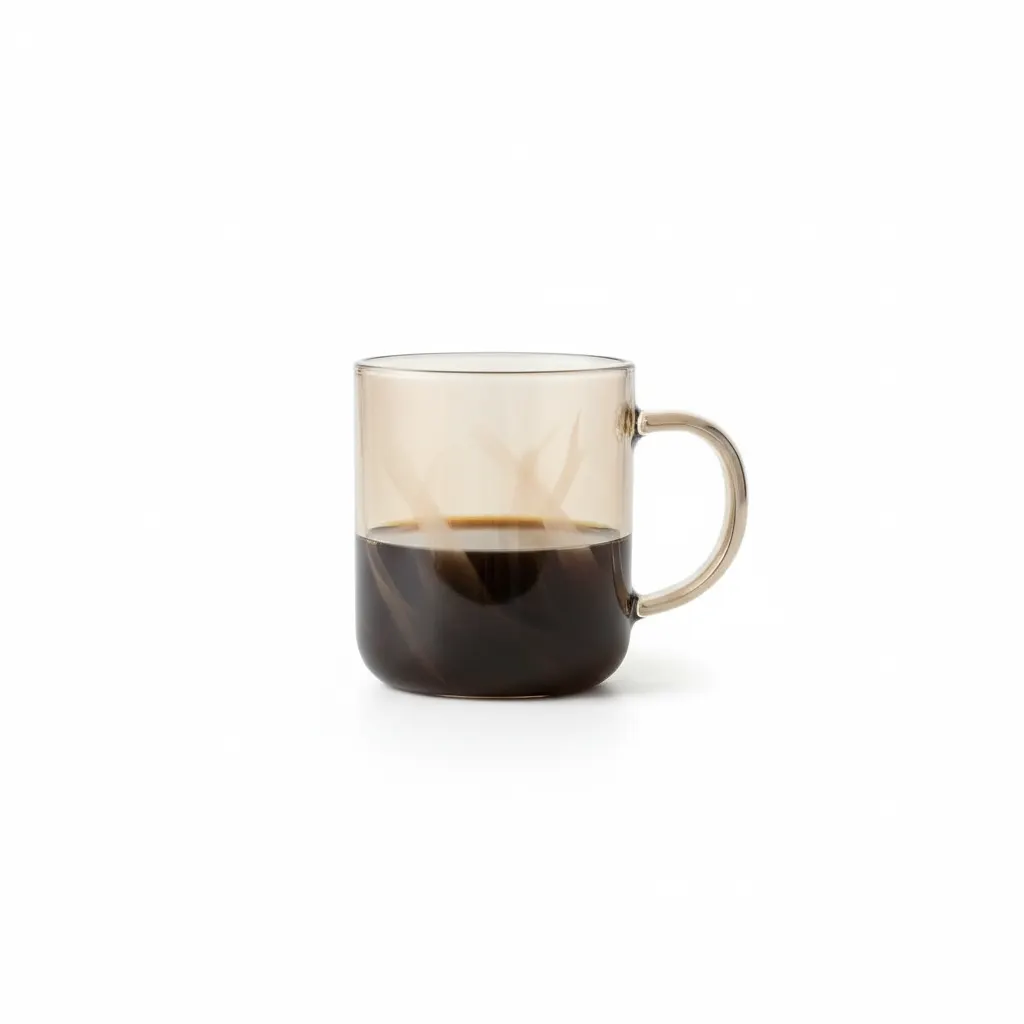
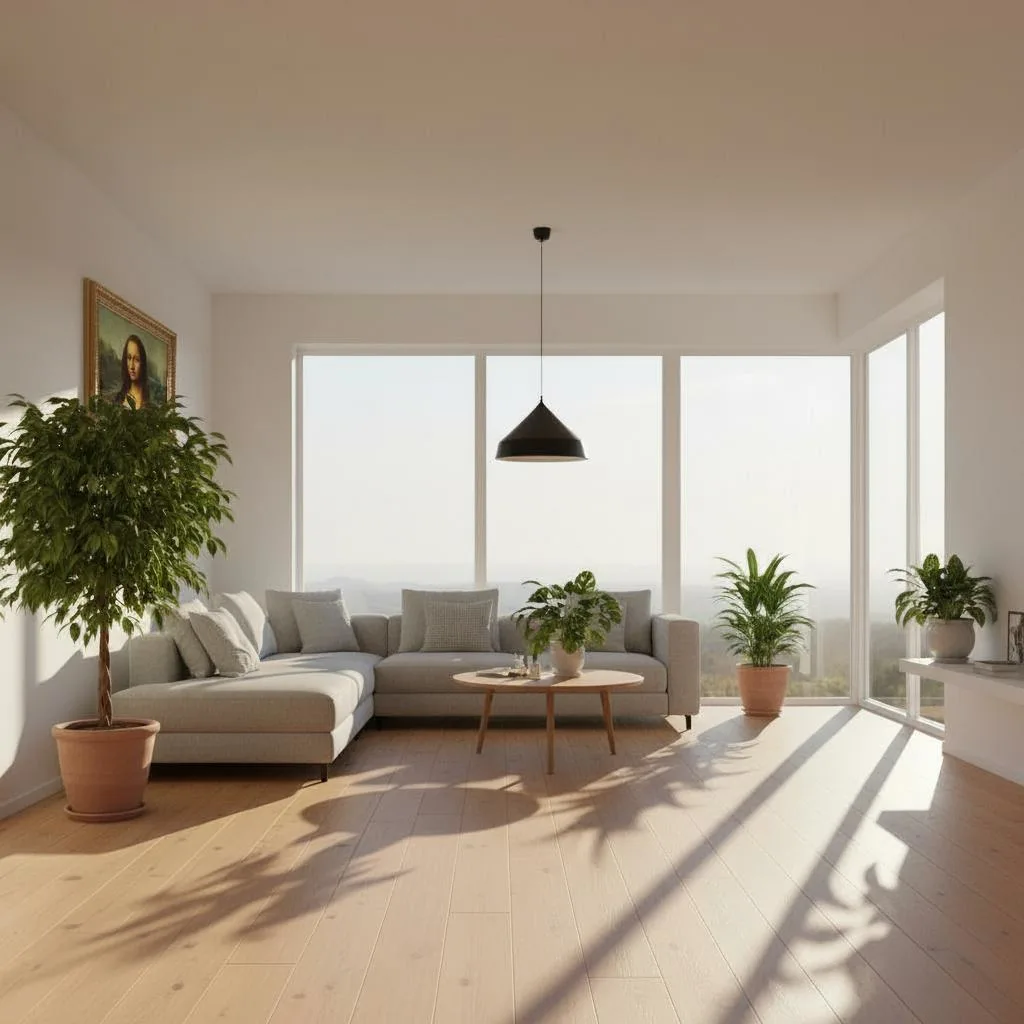
Full example library

Browse all 53 examples

Browse all 53 imported before-and-after examples and prompts. Start with the featured set above, then open the full library when you want more ideas.

Headshots
Product
Interior

Overview

What People Make With Nano Banana

Nano Banana is a good fit when you want something cleaner than a quick experiment and faster than building everything by hand.

Start from a short prompt

You can go from a simple idea to a usable image direction without writing a long brief.

Edit from a reference image

Upload a reference when you want the face, framing, or product shape to stay closer to the original.

Make several image types in one place

Create headshots, product photos, room edits, and stylized images without switching tools.

Check credits before you scale

Try a few images first, then review credits and pricing before you run a larger batch.

Popular Ways To Use Nano Banana

If you want clean results, faster edits, and images you can use right away, these are some of the most common starting points.

Use Nano Banana for LinkedIn portraits, creator profile photos, speaker bios, and branded personal images where identity needs to stay stable.

Common Tasks

What You Can Make With Nano Banana

People usually start here when they want results that look clean and are easy to keep refining.

1

Batch-ready headshots

Create business portraits, creator profile photos, and team headshots with a more repeatable look across multiple runs.

2

Reference-based product visuals

Use reference images to keep product shape, styling, and layout closer to the original while refining the final image.

3

Interior and concept revisions

Test room redesigns, visual directions, and before-and-after concepts without rebuilding every idea from scratch.

4

Fast campaign asset production

Generate usable image variants for promos, social posts, and landing pages when turnaround speed matters.

Why People Keep Using Nano Banana

These are the parts people come back to when they want to keep editing, testing, and generating without starting over every time.

Nano Banana image to image

Use reference images when you want the person, product, or layout to stay closer to the original.

Nano Banana prompt examples

Start with a working example and adapt it instead of burning credits on cold-start experiments.

Nano Banana headshots

Upgrade portraits for LinkedIn, creator profiles, team pages, and business-facing personal branding.

Nano Banana product photo prompts

Create cleaner ecommerce assets, white-background product shots, and poster-ready product visuals.

Nano Banana 2 with Google Search

Google Search is available on Nano Banana 2 and adds 2 credits when you want extra context in the generation process.

Nano Banana credits and pricing

Check credits before batch runs so quality, speed, and cost stay predictable.

What Our Users Say

Feedback from designers, creators, marketers, and product teams who use Nano Banana in everyday work.

Nano Banana helped us turn rough headshot ideas into client-ready portrait directions much faster than our old process.

Mia Carter, Creative Strategist

Mia Carter

Creative Strategist

We use it for product photos and quick room mockups because the results are fast enough for iteration and polished enough for review.

Daniel Brooks, Growth Designer

Daniel Brooks

Growth Designer

The prompt examples save time. We can start from something proven, tweak it, and get usable images without wasting runs.

Sophia Reed, Content Lead

Sophia Reed

Content Lead

Nano Banana FAQ

Fast answers about prompts, image-to-image, credits, Google Search, and usage rights.


Prompt Assets

Nano Banana prompt examples from the library

Use real prompt-library visuals as source material for quote cards, product infographics, character references, posters, maps, and polished social images before jumping into the generator.

Wide quote card with portrait and Chinese/English customization
Featuredzh

Wide quote card with portrait and Chinese/English customization

A prompt for generating a wide quote card featuring a famous person’s portrait, with a brown background, light-gold serif quote text, and layout where text occupies two-thirds and the person one-third. The quote text and author are parameterized for reuse.

A wide quote card featuring a famous person, with a brown background and a light-gold serif font for the quote: “{argument name="famous_quote" default="Stay Hungry, Stay Foolish"}” and smaller text: “—{argument name="author" default="Steve Jobs"}.” There is a large, subtle quotation mark before the text. The portrait of the person is on the left, the text on

Premium liquid glass Bento grid product infographic with 8 modules
Featureden

Premium liquid glass Bento grid product infographic with 8 modules

Create an Infographics with bento grid 8 module layout, user can specify any product name in Food, Medicine, tech etc category, choose language, Background style, Hero grid style

Input Variable: [insert product name] Language: [insert language] System Instruction: Create an image of premium liquid glass Bento grid product infographic with 8 modules (card 2 to 8 show text titles only). 1) Product Analysis: → Identify product's dominant natural color → "hero color" → Identify category: FOOD / MEDICINE / TECH 2) Color Palette (derived f

Hand-drawn style header image prompt from photo
Featuredja

Hand-drawn style header image prompt from photo

Prompt for a hand-drawn style header image of a person introducing Nano Banana Pro

Completely recreate the uploaded person. Make it a header image for a note article where that person introduces “Nano Banana Pro”. Aspect ratio: horizontal 16:9. Style and colors: simple, hand-drawn style, italic, with a blue and green gradient. Title text: “In-depth explanation of Google’s new AI ‘Nano Banana Pro’”.

Watercolor map of Germany with labeled states
Featuredde

Watercolor map of Germany with labeled states

A German prompt to generate a watercolor-style map of Germany where all federal states are labeled in ballpoint pen, useful for educational or infographic-style maps.

Generate a map of Germany in watercolor style, on which all federal states are labeled in ballpoint pen.

New Year's Day Special: Four-Panel Puzzle for 2026 Blessing
Featuredzh

New Year's Day Special: Four-Panel Puzzle for 2026 Blessing

A detailed multi-panel prompt for Nano Banana Pro, creating a 2x2 grid photo collage where a single female character, in four different outfits and settings, pieces together a puzzle that spells '2026 New Year's Day Happy' in the center. The prompt specifies precise facial feature retention, clothing details, background elements, and photographic parameters for a fashion magazine style.

[Key: Maintain precise facial features, retain original face structure, the character in the image must be completely consistent with the uploaded reference image] High-end photo studio 2x2 grid photo. Top-left panel (Navy Blue background): The character wears a navy blue uniform-style dress, decorated with gold buttons, vintage curls with a blue beret and p

Vintage Patent Document for an Invention
Featureden

Vintage Patent Document for an Invention

A prompt designed to generate an image of a vintage United States patent document from the late 1800s. It specifies details like precise technical drawings, handwritten annotations, aged paper texture, foxing stains, an embossed seal, and a wax stamp, making it ideal for historical or archival aesthetics.

A vintage patent document for {argument name="invention" default="INVENTION"}, styled after late 1800s United States Patent Office filings. The page features precise technical drawings with numbered callouts (Fig. 1, Fig. 2, Fig. 3) showing front, side, and exploded views. Handwritten annotations in fountain-pen ink describe mechanisms. The paper is aged ivo

Chalkboard-style AI news summary
Featuredja

Chalkboard-style AI news summary

A Japanese prompt for turning AI news content into a hand-drawn, teacher-style chalkboard diagram with explanations.

Using the following content, summarize the news in a chalkboard-style, hand‑written look, and break it down with diagrams and easy‑to‑understand expressions as if a teacher had written it. —- Search results from Grok

Detailed mirror-selfie otaku room scene
Featuredzh

Detailed mirror-selfie otaku room scene

A very detailed Nano Banana prompt describing a female mirror selfie in a blue-toned otaku computer corner, with full specifications for character, environment, lighting, camera, and negative prompts.

### Scene Mirror selfie in an otaku-style computer corner, blue color tone. ### Subject * Gender expression: female * Age: around 25 * Ethnicity: East Asian * Body type: slim, with a defined waist; natural body proportions * Skin tone: light neutral tone * Hairstyle: * Length: waist-length hair * Style: straight with slightly curled ends * Color: medium brow

Annual Plans Start at $99. Create More for Less.

Credit packs start at $99 for project top-ups. Monthly plans stay flexible. Annual plans give the lowest long-term creation cost.

Cancel Anytime
Flexible plans you can switch anytime.
Bank-Level Security
Encrypted checkout for every payment.
Long-Lasting Credits
One-time credits stay valid for 12 months.

Subscription Plans

Choose annual for the lowest cost, or monthly when you want flexibility.

First year $99

Starter Annual

$9.9 / month
First-year checkout $99 · Effective $8.25/month · Includes 24,000 credits
About $0.17 / video
Lowest commitment. Best for testing your creative workflow with annual savings.
24,000 credits · ~$0.41 per 100 credits

Starter annual benefits

  • 600 Seedance standard videos in the first year
  • Faster rendering, no waiting in line
  • Commercial-grade privacy, visible only to you
  • Distraction-free workflow, no ads
  • Watermark-free exports ready to deliver
  • Commercial rights included
  • Early access to new features
  • Cloud asset library (6-month storage)
  • Priority premium support
Most popular

Pro Annual

$16.6 / month
Billed yearly at $199 · 60,000 credits · Better value than credit packs
About $0.13 / video
Best for steady creation: more credits and lower long-term cost.
60,000 credits · ~$0.33 per 100 credits

Pro annual benefits

  • 1,500 Seedance standard videos per year
  • Faster rendering, no waiting in line
  • Commercial-grade privacy, visible only to you
  • Distraction-free workflow, no ads
  • Watermark-free exports ready to deliver
  • Commercial rights included
  • Early access to new features
  • Cloud asset library (12-month storage)
  • Priority premium support
  • Annual plans include membership benefits and lower unit cost
Lowest unit cost

Studio Annual

$24.9 / month
Billed yearly at $299 · 120,000 credits · Lowest unit cost
About $0.10 / video
For high-frequency production with the lowest credit cost.
120,000 credits · ~$0.25 per 100 credits

Studio annual benefits

  • 3,000 Seedance standard videos per year
  • Faster rendering, no waiting in line
  • Commercial-grade privacy, visible only to you
  • Distraction-free workflow, no ads
  • Watermark-free exports ready to deliver
  • Commercial rights included
  • Early access to new features
  • Cloud asset library (12-month storage)
  • Priority premium support
  • Higher upload limits for large projects

One-Time Credit Packs

No subscription. Best for one-off projects; ongoing creators save more with annual.

Starts at $99

Lite Credit Pack

Original $129 one-time
$99 one-time
About $0.20 / video
A small one-time pack for trying C Dance AI without a subscription.
20,000 credits · ~$0.50 per 100 credits
One-time purchase · Valid for 12 months · Includes 20,000 credits

Starter credits

  • 500 Seedance standard videos
  • No subscription required
  • Valid for 1 full year
  • Commercial rights included
One-time top-up

Starter Credit Pack

Original $249 one-time
$199 one-time
About $0.18 / video
No subscription. Best for one-off project top-ups.
45,000 credits · ~$0.44 per 100 credits
One-time purchase · Valid for 12 months · Annual plans cost less for ongoing work

Project credits

  • 1,125 Seedance standard videos
  • No subscription required
  • Valid for 1 full year
  • Commercial rights included
Larger top-up

Pro Credit Pack

Original $399 one-time
$299 one-time
About $0.15 / video
For larger project batches without recurring billing.
80,000 credits · ~$0.37 per 100 credits
One-time purchase · Valid for 12 months · Subscription gives better value

Project batch credits

  • 2,000 Seedance standard videos
  • No subscription required
  • Valid for 1 full year
  • Commercial rights included
  • Better for project bursts
Largest pack

Studio Credit Pack

Original $699 one-time
$499 one-time
About $0.13 / video
Largest one-time capacity for heavy project work.
150,000 credits · ~$0.33 per 100 credits
One-time purchase · Valid for 12 months · Best for non-subscription volume

Maximum one-time capacity

  • 3,750 Seedance standard videos
  • No subscription required
  • Valid for 1 full year
  • Commercial rights included
  • Maximum one-time capacity

How Credits Work

Credit usage depends on duration, resolution, generation mode, and audio.

4s / 480p / text-to-video
40 credits
4s / 720p / text-to-video
80 credits
4s / 720p / image-to-video
100 credits