
C Dance AI Blog
Blog
Read practical Seedance 2.0 tutorials, prompt engineering guides, and AI video model comparisons.
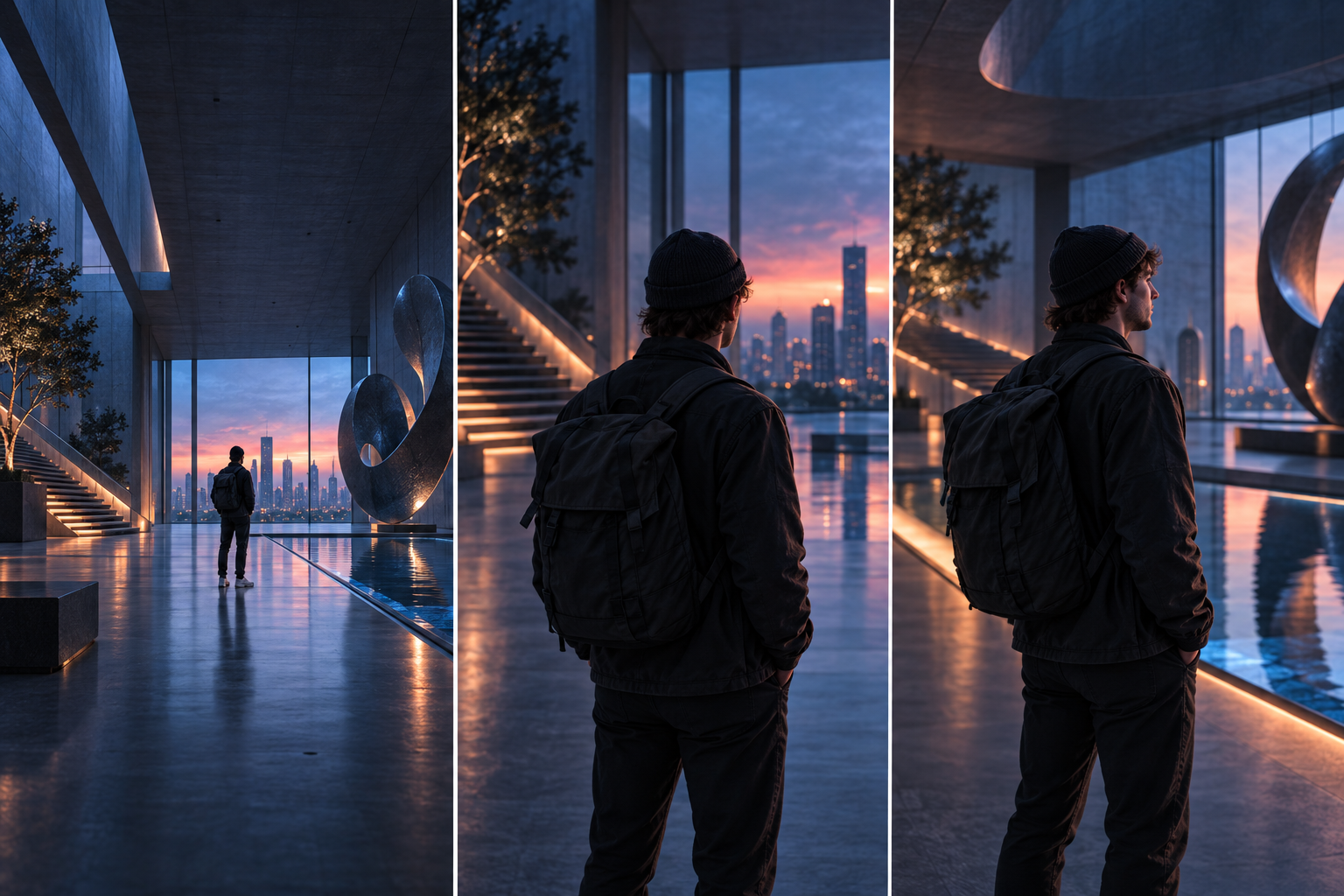
Gerakan Kamera Video AI: 12 Contoh Syot
Tulis gesaan pergerakan kamera video AI yang lebih jelas dengan formula tangkapan praktikal, 12 gerakan kamera, ujian terkawal, diagnosis kegagalan dan contoh sedia salin.
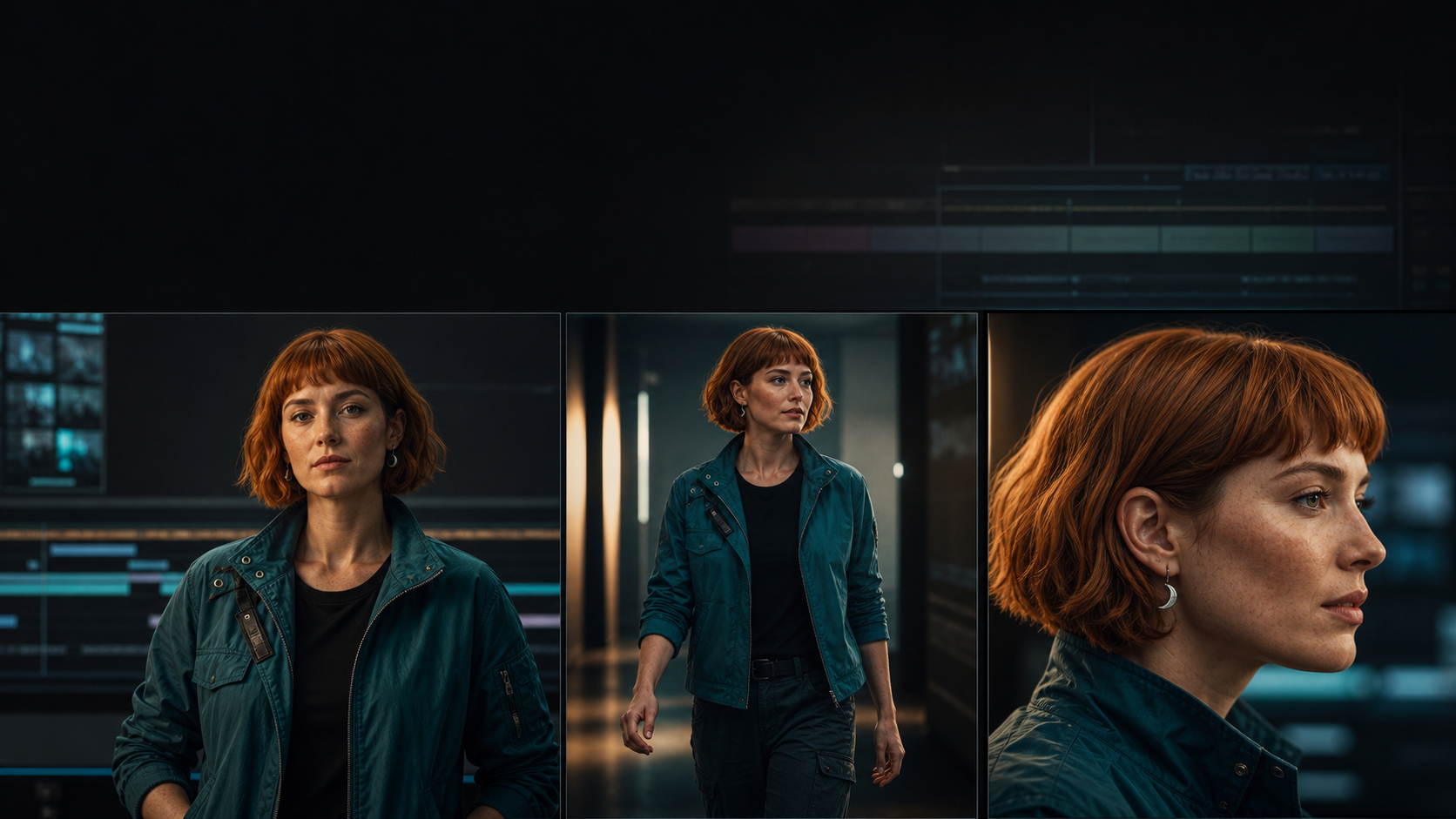
Konsistensi Watak Video AI: Aliran Kerja 7 Langkah
Kekalkan watak yang sama merentas tangkapan video AI dengan pek identiti praktikal, aliran kerja rangka sauh, kad skor drift, templat segera dan langkah pembaikan.

Panduan Nano Banana (2026): potret dan produk
Ketahui cara menulis gesaan Nano Banana untuk foto produk, tangkapan kepala, poster dan pengeditan rujukan dalam C Dance AI, dengan templat, tetapan dan pembetulan kegagalan.
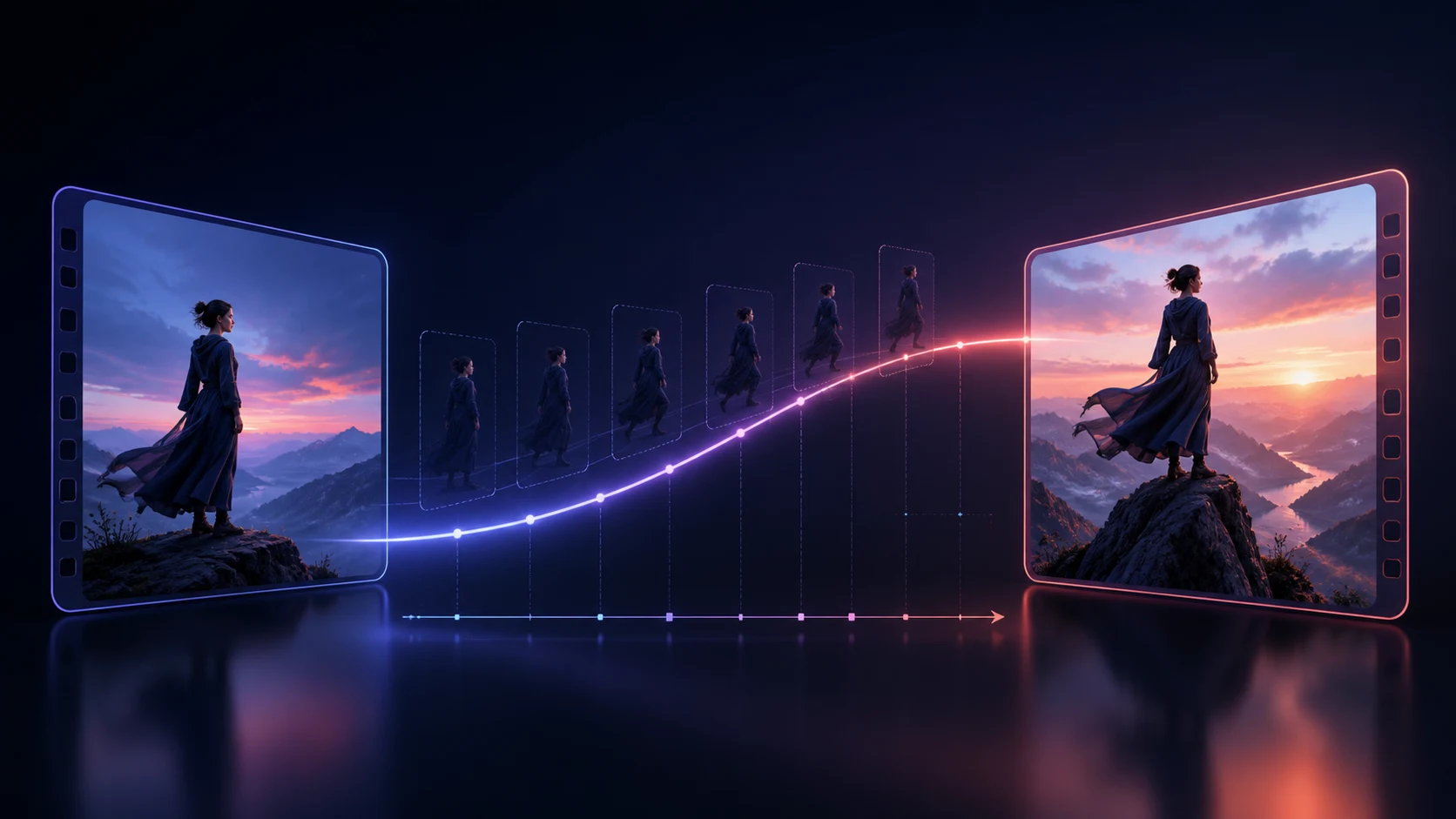
Gesaan Bingkai Pertama dan Terakhir Video AI
Tulis gesaan video AI bingkai pertama dan terakhir yang lebih baik dengan perancangan titik akhir, kunci kesinambungan, laluan gerakan, diagnosis kegagalan dan templat peralihan sedia salin.

Gesaan Kling 3: mod cerita, elemen dan audio
Ketahui cara menulis gesaan Kling 3 yang lebih baik untuk klip satu adegan, mod cerita, elemen, imej-ke-video dan audio asli dalam C Dance AI.
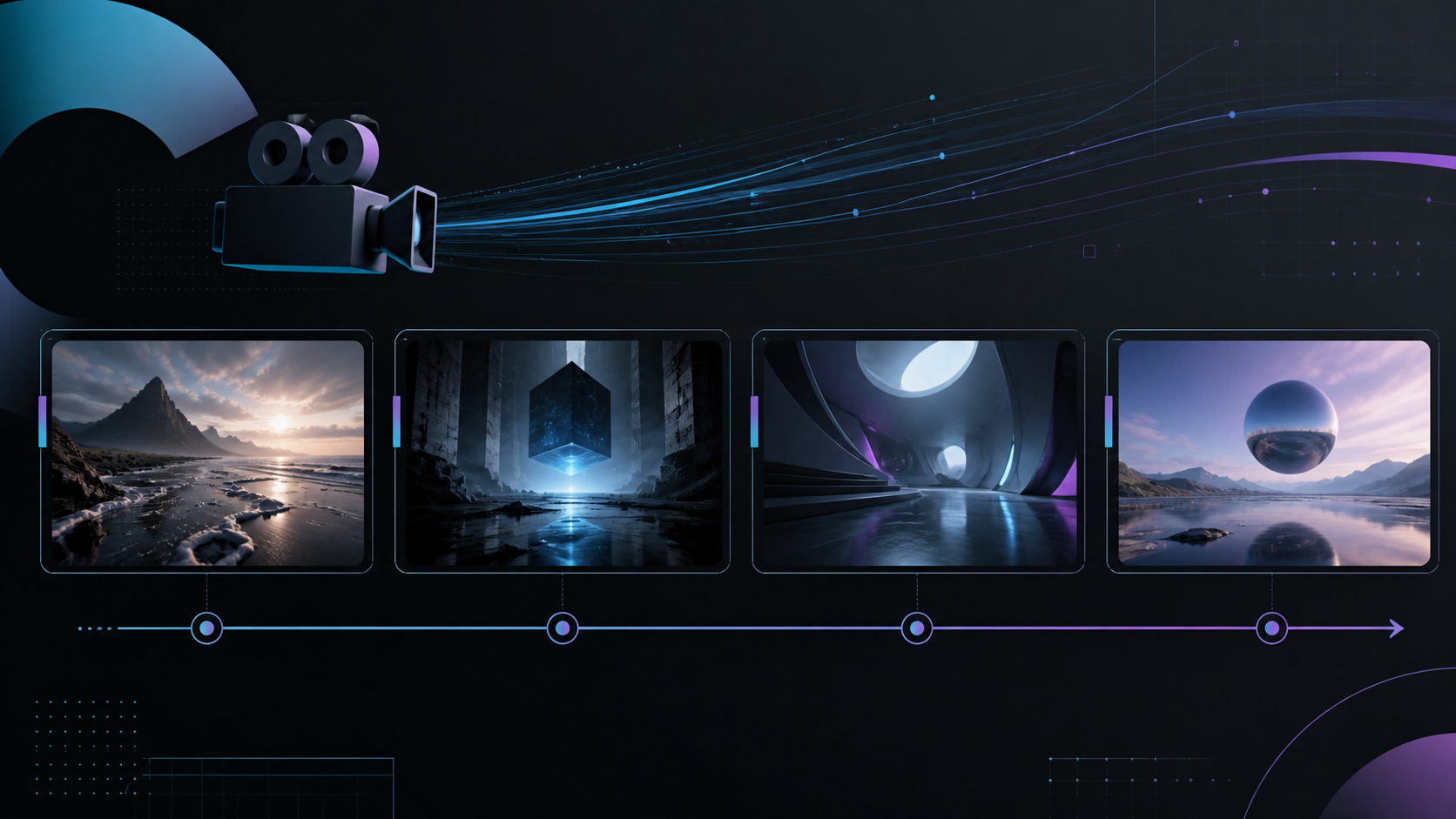
Seedance 2.0: Panduan Video Berbilang Syot
Ketahui cara merancang video berbilang tangkapan Seedance 2.0 dengan gesaan papan cerita, rentak masa, peranan rujukan, semakan kesinambungan dan pembetulan praktikal untuk urutan yang rosak.
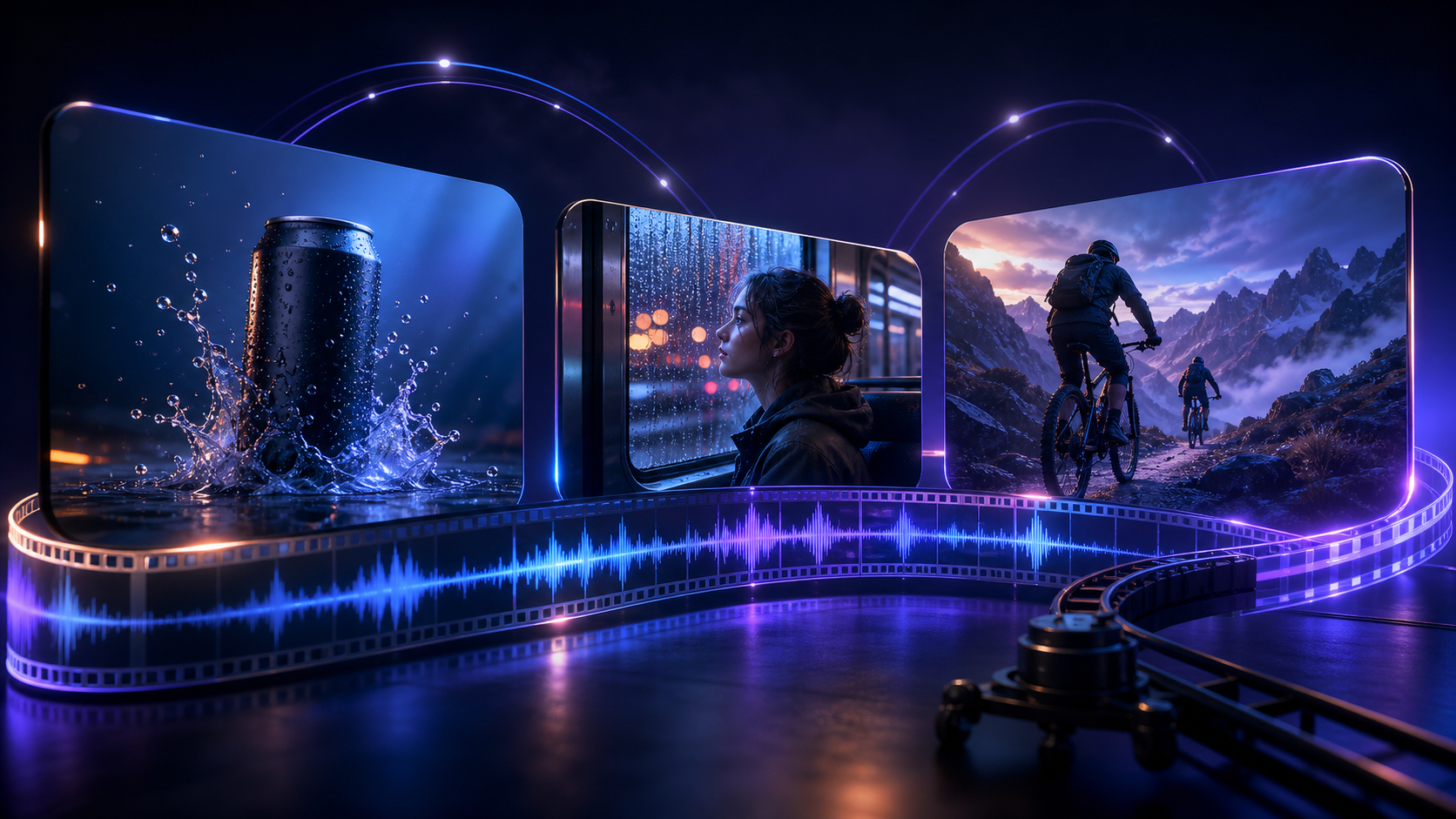
Panduan Prompt MiniMax H3 (2026): Struktur, Contoh dan Penyelesaian Masalah
Pelajari struktur prompt MiniMax H3 untuk teks-ke-video, imej-ke-video, audio asli, adegan berbilang syot dan aliran kerja rujukan, lengkap dengan contoh, tetapan dan penyelesaian masalah.
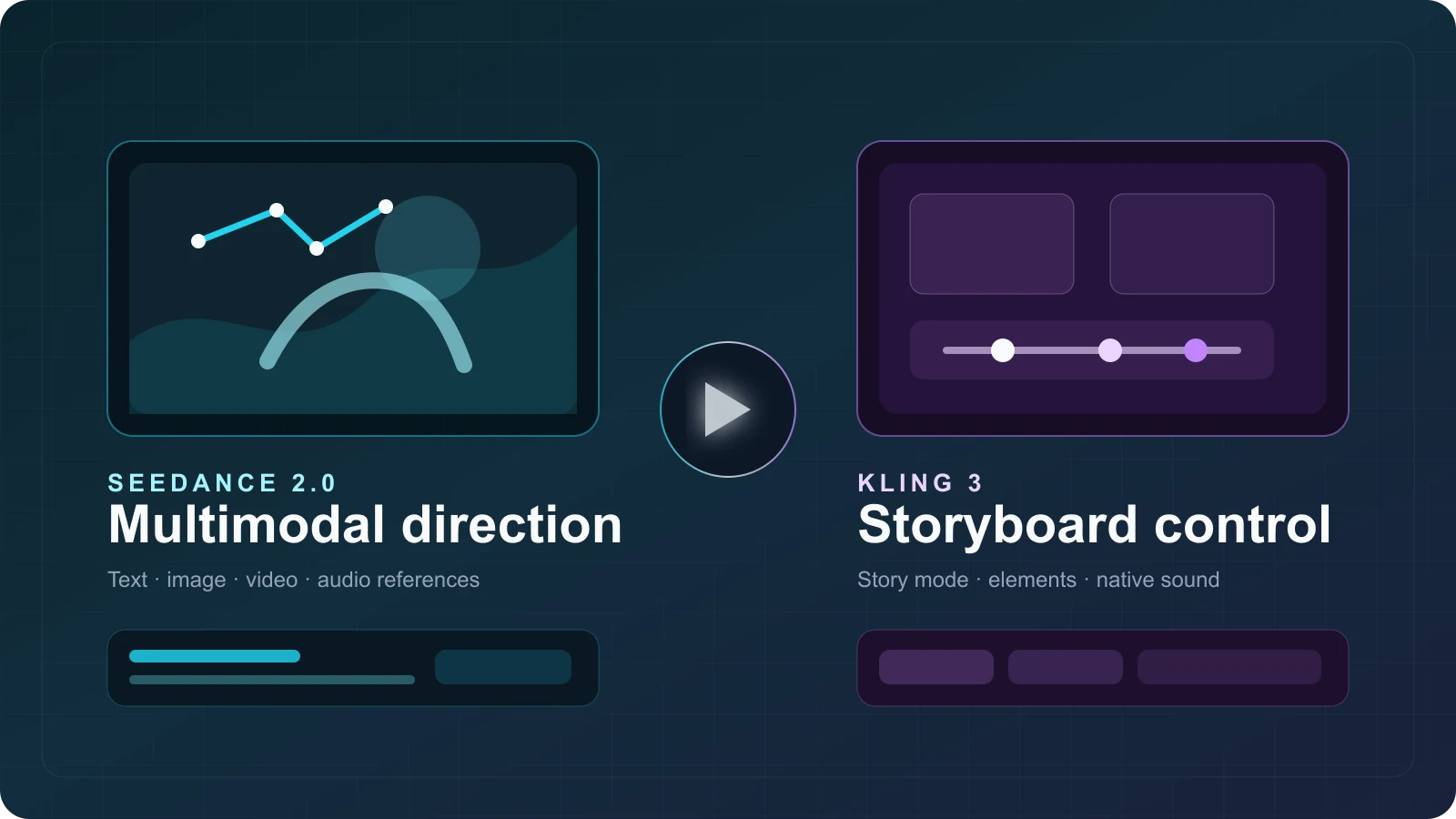
Seedance vs Kling 3: Features & Costs (2026)
Compare Seedance 2.0 and Kling 3 by features, C Dance AI credit costs, workflow fit, real output examples, limitations, and community feedback.
What Is Gemini Omni? Gemini Omni Flash Explained
Gemini Omni explained: what Gemini Omni Flash can do, how to try it, prompt tips, API timing, and how it compares with Veo, Seedance, and Sora.
What Is Seedance 2.0? Features, Use Cases, and How to Start
Learn what Seedance 2.0 is, which AI video workflows it supports, its key features, best use cases, and the fastest way to start creating with it.
Seedance 2.0 Video to Video Guide: How to Transform Existing Footage Better
Learn how to use Seedance 2.0 video-to-video workflows to restyle footage, preserve timing, and improve creative control without rebuilding every shot from scratch.
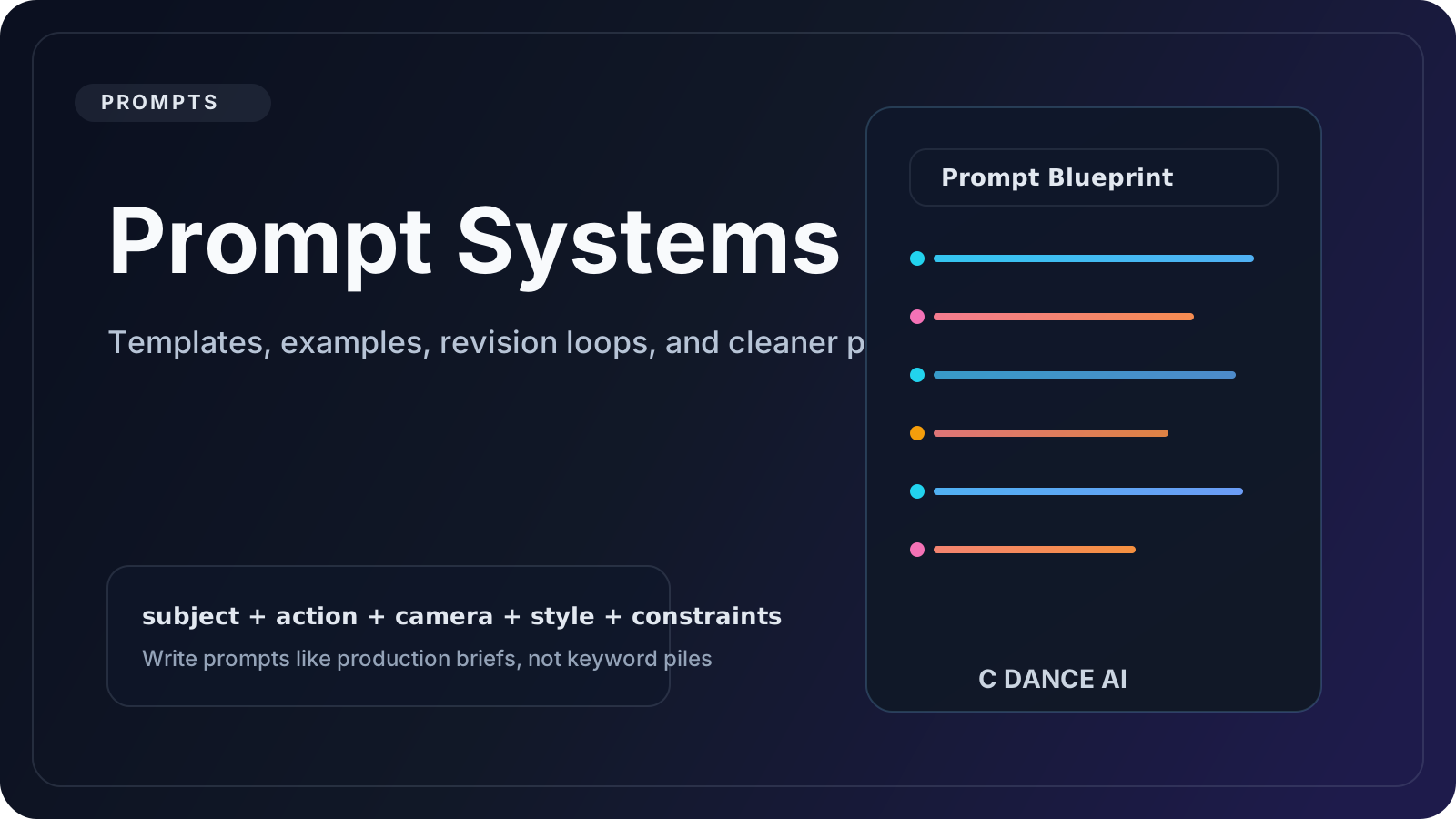
Common Seedance 2.0 Prompt Mistakes and How to Fix Them
Learn the most common Seedance 2.0 prompt mistakes, why they create unstable AI video results, and how to fix them with clearer structure and smarter revision loops.
Seedance 2.0 for Product Ads: 20 Prompt Ideas That Convert
Use these 20 Seedance 2.0 product ad prompt ideas to create cleaner hooks, premium product shots, and conversion-friendly AI video concepts for commercial campaigns.
Seedance 2.0 Image to Video Guide: How to Animate Still Images Better
Learn when to use Seedance 2.0 image-to-video, how to preserve identity and composition, and which prompt patterns create smoother motion from a still reference.
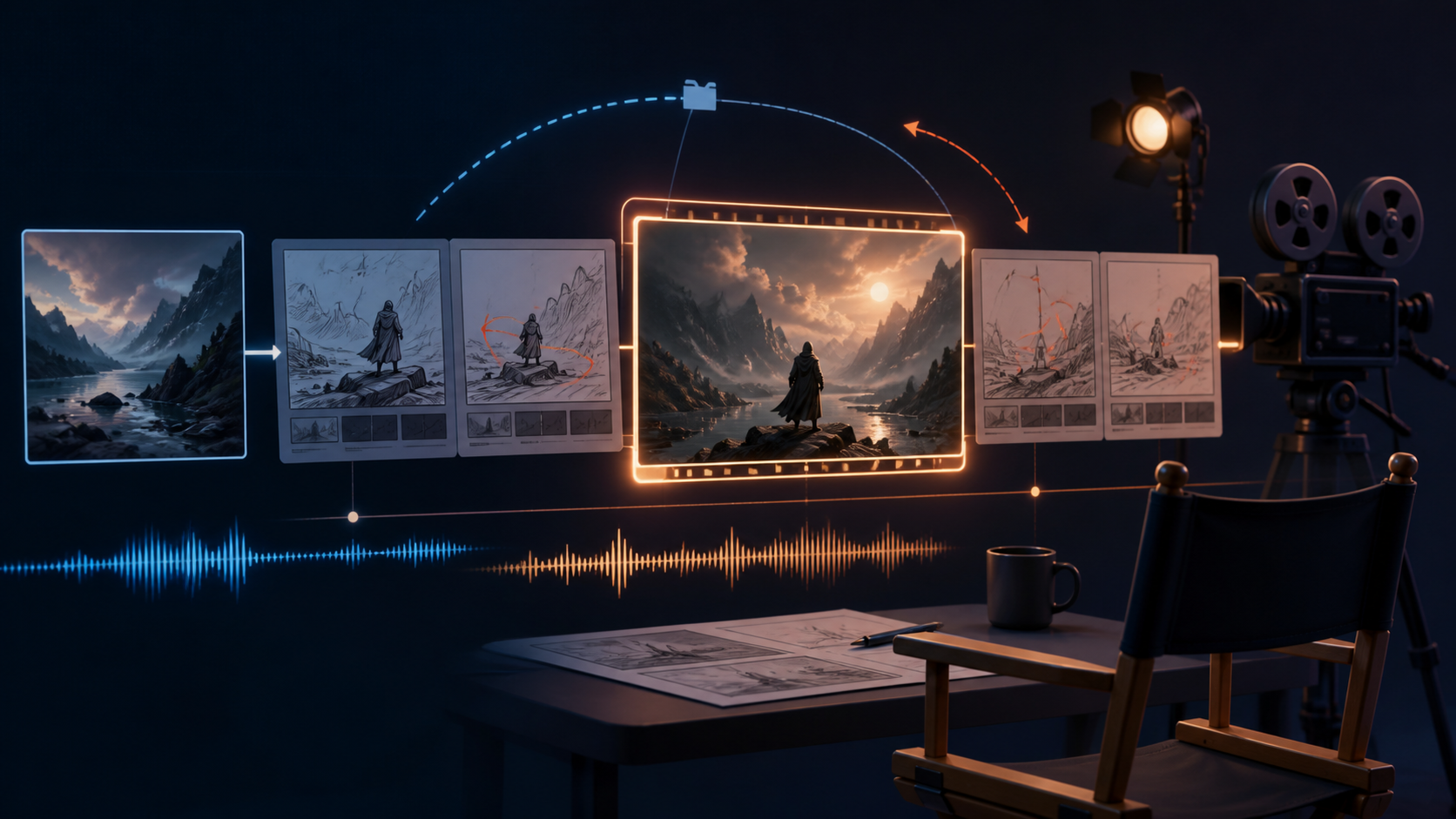
Prompt Seedance 2.5: teks, imej dan audio
Cara menulis prompt Seedance 2.5 untuk teks, imej dan audio, dengan kamera, contoh dan pembaikan ralat.
25 Best Seedance 2.0 Prompt Examples for Cinematic AI Videos
Explore 25 practical Seedance 2.0 prompt examples for product ads, fashion clips, anime scenes, cinematic landscapes, and social content that needs stronger motion and cleaner structure.
How to Use Seedance 2.0 for Text to Video: A Practical Beginner Guide
Learn how to use Seedance 2.0 for text-to-video generation with a simple prompt framework, settings advice, and workflow tips for creators who want cleaner first-pass results.
How to Create Loop Videos with AI: A Practical Guide
Learn how to plan, generate, test, and repair AI loop videos for social posts, product shots, ambient backgrounds, and short creative clips.