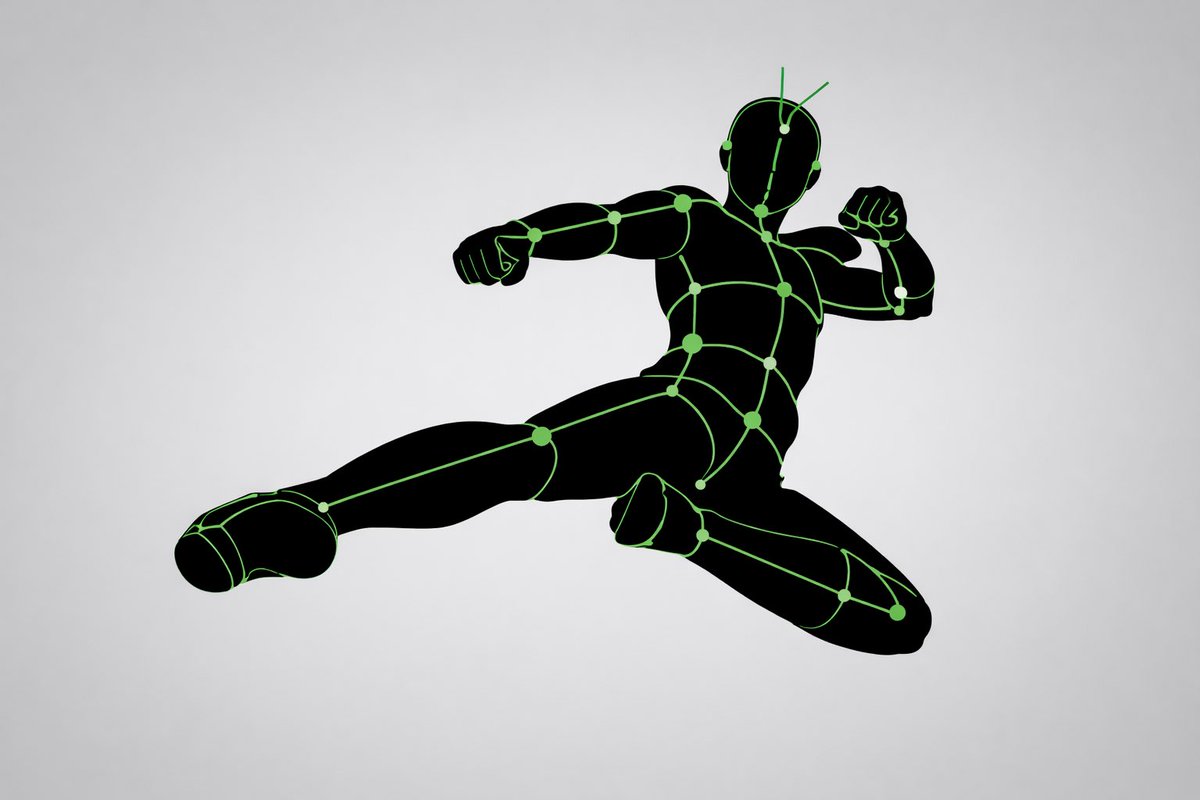
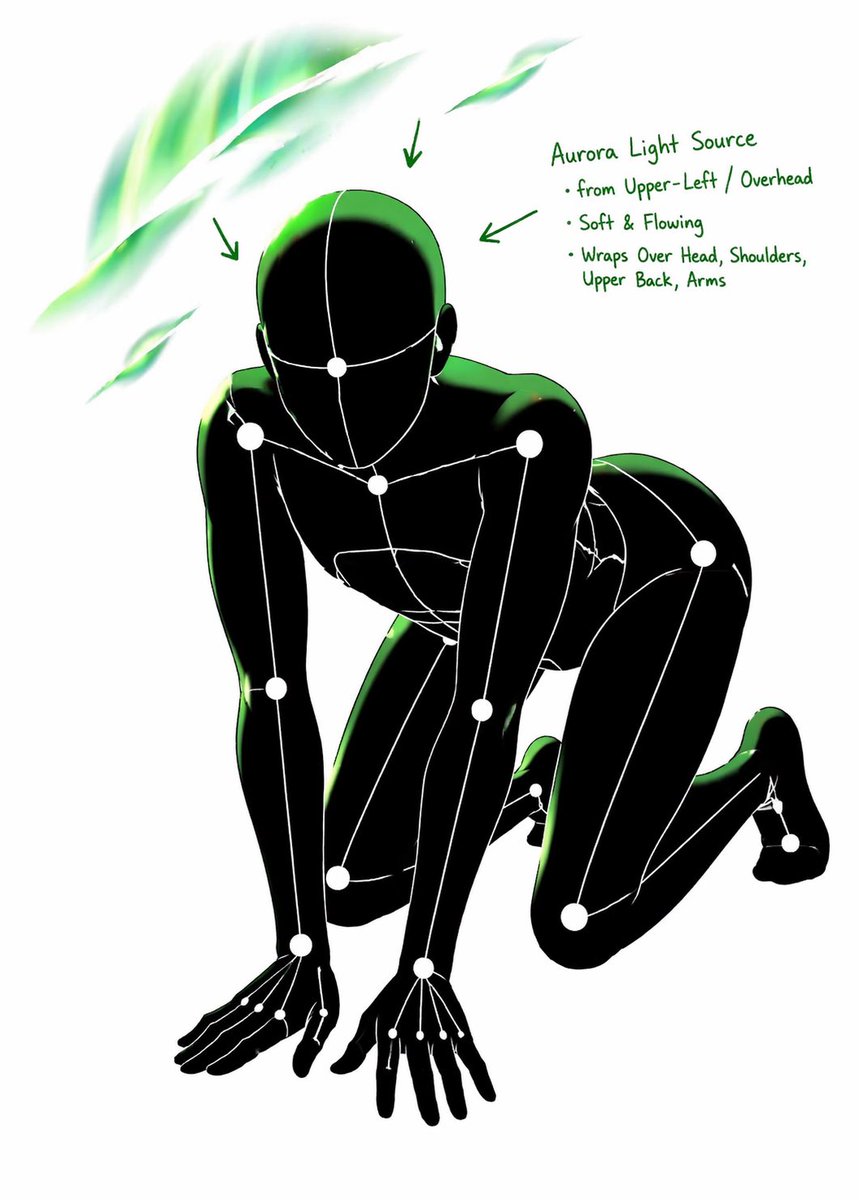
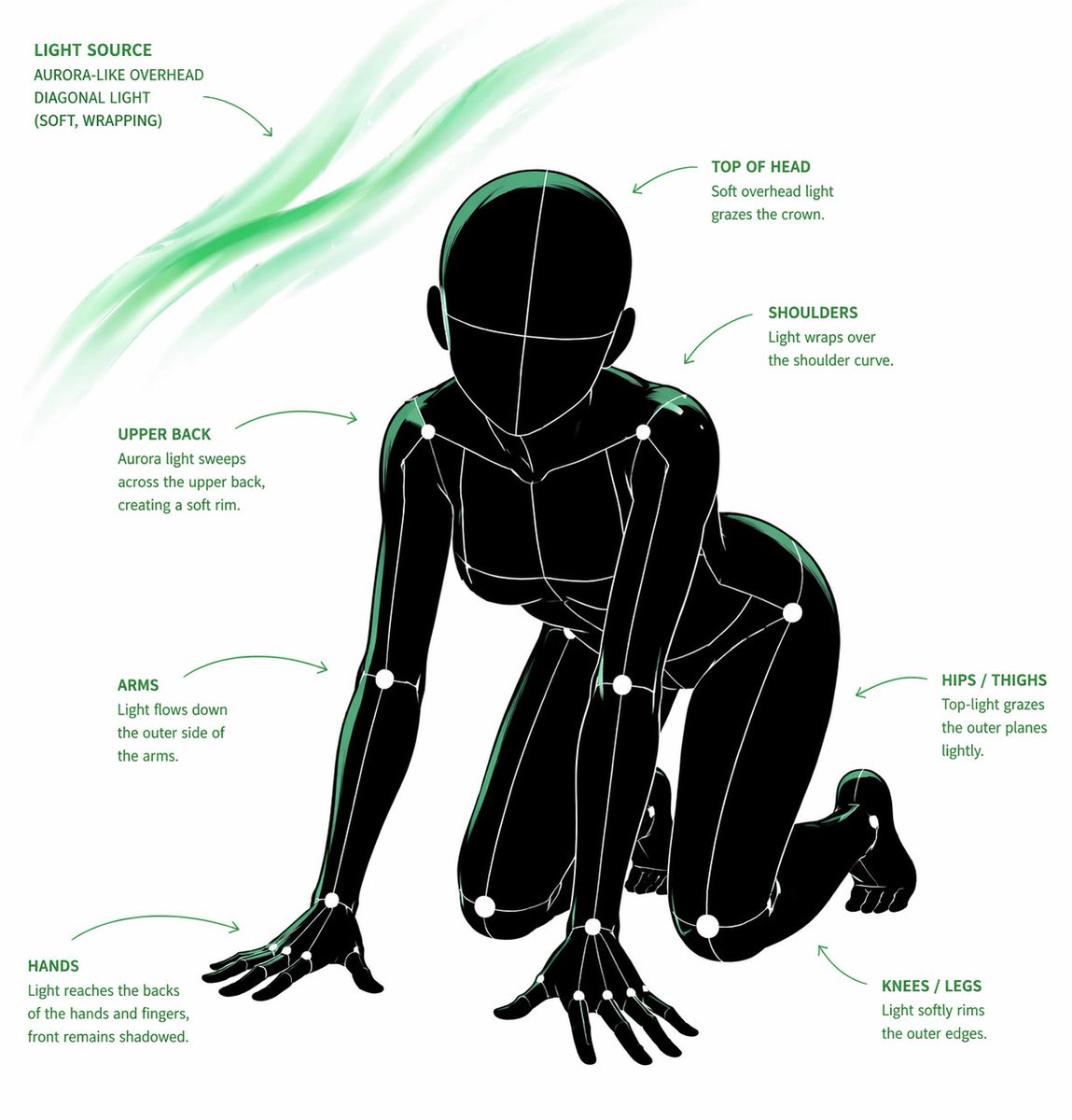
GPT Image 2 AI image example generated with this reusable CDance AI prompt: A highly detailed structural prompt for transforming any input image into a white-line mannequin pose and lighting analysis sheet.
Pose and Lighting Analysis Sheet Transformer
A highly detailed structural prompt for transforming any input image into a white-line mannequin pose and lighting analysis sheet.
Prompt
[CORE TASK]
Transform the provided input image into a pose-and-light analysis sheet.

This is NOT a finished character illustration.
This is NOT a clothing sheet.
This is NOT a beauty-preserving redraw.

This is a white-line rough mannequin conversion.

[PRIMARY GOAL]
Extract and visualize only:
- pose structure
- body balance
- camera angle
- body line flow
- inferred light source placement
- illuminated areas and light intensity

[INPUT ROLE]
Use the provided image as the strict anchor for:
- pose
- camera angle
- body tilt
- weight distribution
- approximate lighting situation

Do NOT preserve:
- face rendering
- hairstyle rendering
- clothing detail
- accessories
- weapon detail
- background architecture
- character identity
- emotional expression

[FIGURE CONVERSION]
single rough mannequin-like human figure
white body contour lines
white internal construction lines
simple mannequin head
no face
no eyes
no mouth
no eyelashes
no personality
no individual identity

human figure should look like:
- rough pose mannequin
- anatomy proxy
- line-based body guide
- structural sketch
- white-line rough dummy

keep:
- pose readability
- silhouette flow
- head tilt
- torso direction
- pelvis direction
- limb placement

[BACKGROUND]
pure black background
negative-style dark field
no scenery
no props
no architecture
no environmental storytelling

[LINE STYLE]
rough white line drawing
clean but sketch-like
construction-line feeling
anatomy guide lines visible
joint flow visible
body contour emphasized
no polished illustration finish

[LIGHT ESTIMATION]
predict the likely light source positions from the input image
visualize the light sources and illuminated areas using green glow only

use green light intensity with variation:
- strongest green where the light directly hits
- medium green for wrap light
- soft green for reflected or fading light

mark the estimated light sources with labels and arrows such as:
- Main Light
- Rim Light
- Fill Light
- Floor Bounce
- Back Light
only if appropriate

IMPORTANT:
do not invent random lights
infer lighting from the original input image
if the lighting is ambiguous, keep the annotations simple and plausible

[GREEN LIGHT VISUALIZATION]
show green glow on:
- head / skull plane
- neck
- shoulders
- chest plane
- ribcage direction
- pelvis edge
- thigh planes
- knee contact points
- floor contact bounce if applicable

use green light not as decoration,
but as lighting analysis information

[POSE PRIORITY]
1. preserve pose structure
2. preserve camera angle
3. preserve body balance
4. preserve head-torso relationship
5. visualize likely light direction
6. show illuminated areas with readable green intensity variation

[NEGATIVE]
finished person,
cute girl,
detailed face,
hair rendering,
clothing rendering,
weapon emphasis,
beautiful anatomy
Related GPT Image 2 Prompts
VR Headset Exploded View Poster
Generates a high-tech exploded view diagram of a VR headset with detailed component callouts and promotional text.
Illustrated City Food Map
Generates a hand-drawn, watercolor-style tourist map featuring numbered local food specialties, landmarks, and a legend.
Momotaro Explainer Slide in Hybrid Style
A prompt that combines the simple, warm aesthetic of Irasutoya illustrations with the high-information density characteristic of Japanese government slides.
E-commerce Live Stream UI Mockup
Generates a realistic social media live stream interface overlaying a portrait, featuring customizable chat messages, gift popups, and a product purchase card.
Anime Martial Arts Battle Illustration
Generates a dynamic, high-impact anime illustration of two female characters fighting in a traditional dojo with elemental energy effects.
3D Stone Staircase Evolution Infographic
Transforms a flat evolutionary timeline into a realistic 3D stone staircase infographic with detailed organism renders and structured side panels.